

Feeling invisible online? You've built a great small business, but your ideal customers can't seem to find you. You know you need SEO, but the whole thing feels overwhelmingly complex. You're not alone. The good news is that an effective SEO for small business strategy isn't about complicated tricks; it's about focusing on what truly matters.
Forget spending a single cent on ads for now. The first, and most critical, move in your SEO playbook is to claim and perfect your digital storefront: your Google Business Profile (GBP). Think of it as the modern-day shop window. Getting this right is the non-negotiable first step to pulling in local customers and the solution you've been looking for.
Mastering Your Digital Storefront with Google Business Profile
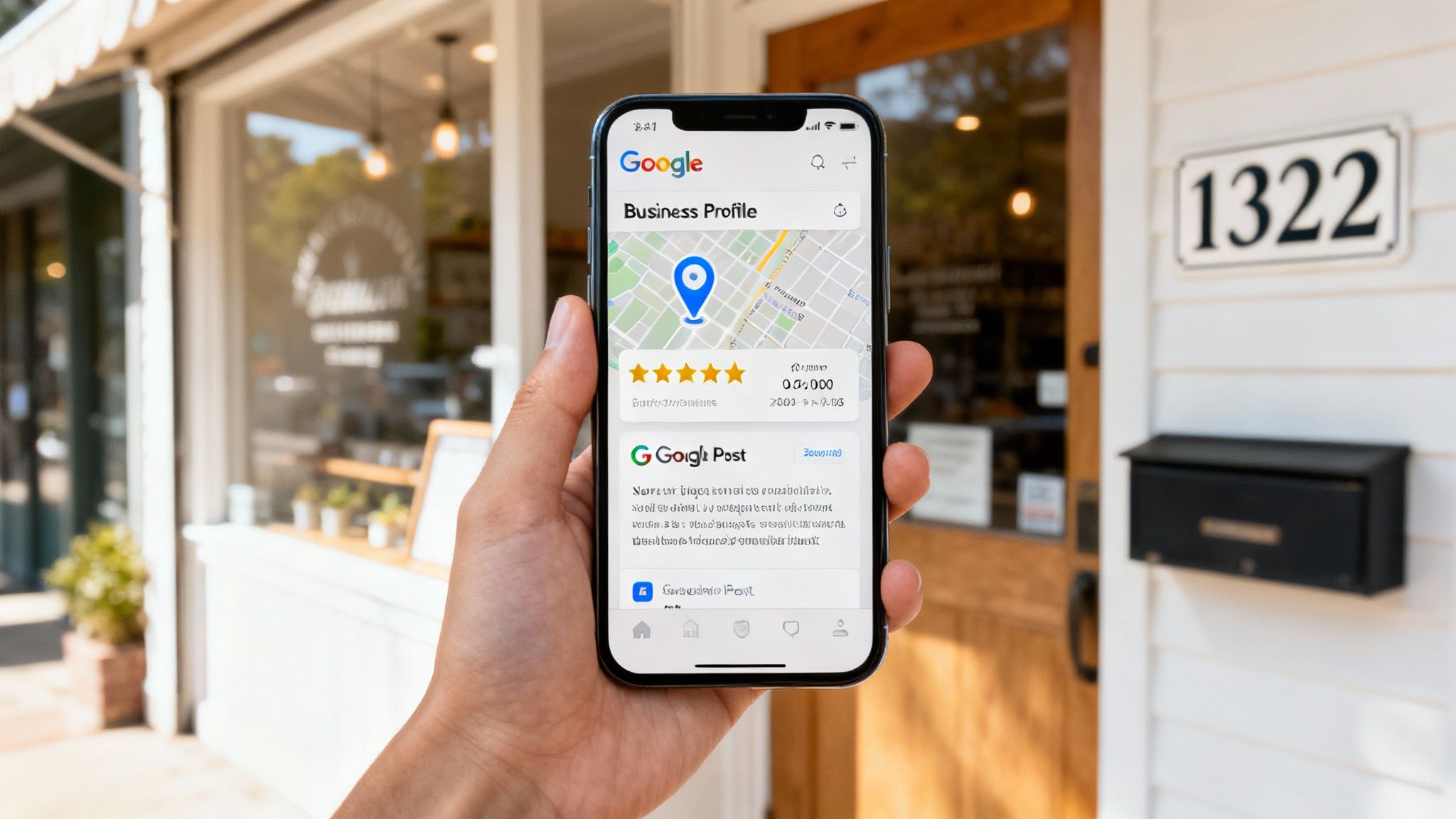
Often, your Google Business Profile is the very first thing a potential customer sees. It’s what pops up in that highly visible map pack and on the side of Google Search, giving people instant access to your hours, phone number, and reviews.
Optimising your GBP isn’t just about filling in the blanks. It’s a strategic game of sending powerful signals to Google that your business is the most relevant, trustworthy choice for local searchers. This is where you can leapfrog competitors who treat their profile as a set-and-forget task.
Going Beyond the Basics
A complete profile is just the entry ticket. To truly stand out, you need to use every single feature to paint a vivid picture of why you're the best choice.
This means your business description needs to do more than just describe. It needs to be packed with the local, high-intent keywords and phrases your ideal clients are actually typing into Google. For instance, a plumber in Bondi shouldn't just list "plumbing services." They should be using long-tail keywords like "emergency plumber Bondi Beach" or "best service for blocked drain repairs in the Eastern Suburbs."
The numbers don't lie. In Australia, roughly 46% of all Google searches have local intent. Small businesses with complete, optimised profiles see 7 times more clicks than those without one. Even better, a massive 78% of local mobile searches lead to a store visit within 24 hours. That's a direct line from a strong online presence to real-world business.
Your Google Business Profile Optimisation Checklist
Use this checklist to ensure every part of your GBP is working to maximise your local visibility and attract customers.
| Optimization Area | Action Item | Impact on Ranking |
|---|---|---|
| Core Information | Ensure NAP (Name, Address, Phone) is 100% consistent everywhere online. | Very High |
| Categories | Choose a primary category and all relevant secondary categories. | High |
| Service Areas | Clearly define the suburbs or regions you serve. | High |
| Photos & Videos | Upload high-quality, recent photos of your team, work, and premises. | Medium |
| Business Description | Write a keyword-rich description (750 characters max). | Medium |
| Google Posts | Publish weekly updates, offers, or news. | Medium |
| Q&A Section | Pre-emptively ask and answer common customer questions. | Medium |
| Reviews | Actively request reviews and respond to every single one (good and bad). | Very High |
By systematically working through this list, you're building a powerful, trustworthy profile that Google and your customers will love.
Engaging Actively to Build Trust
Your GBP is not a static brochure; it’s a living, breathing platform for connecting with your community. A brilliant way to do this is by proactively using the Q&A feature.
Think about the most common questions you get from customers. Post them on your profile, and then answer them yourself. This lets you control the narrative, provide valuable info upfront, and weave in relevant keywords naturally.
Pro Tip: Treat your GBP's Q&A section like a mini-FAQ. Answering questions about parking, service areas, or specific offerings saves potential customers time and removes friction from their decision-making process.
Using Google Posts to Your Advantage
Google Posts are basically free mini-adverts that show up directly on your profile. They are perfect for showcasing:
- Special Offers: Announce a limited-time discount or seasonal promo.
- New Services: Highlight a new offering to drum up immediate interest.
- Recent Projects: Share photos of a finished job to provide social proof.
- Company Updates: Announce new team members or community involvement.
Each post creates fresh content that Google’s algorithm rewards, signalling that your business is active and relevant. A steady stream of posts keeps your profile dynamic and gives customers more reasons to choose you.
If managing all this sounds like one more thing on your plate, our team offers a dedicated Google Business Profile Manager service to handle it all for you.
Building Trust Through Citations and Online Reputation
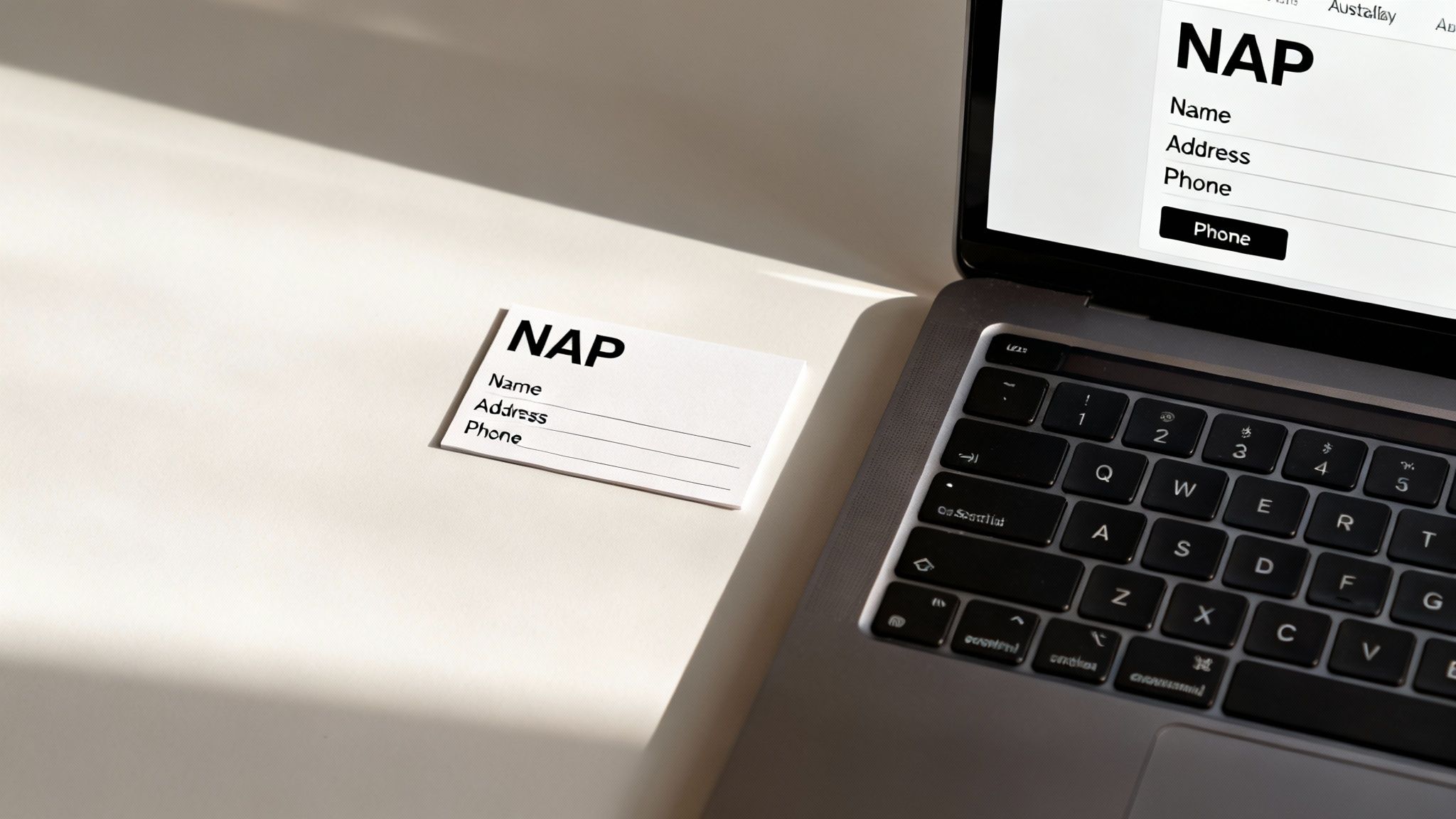
While your Google Business Profile is your digital storefront, Google looks for consistency across the entire web to decide if you're legit. Think of it this way: if a potential client sees three different phone numbers for your business online, they'll hesitate. So does Google, but on a much bigger scale.
This is where building a strong footprint with business citations comes in.
Citations are just mentions of your business's core info — Name, Address, and Phone number (NAP) — on other websites. When your NAP is identical across dozens of reputable Aussie directories like TrueLocal, Yellow Pages, and industry-specific sites, it sends a powerful signal to Google. It says your business is real, established, and trustworthy.
Inconsistent listings do the opposite. They create confusion, erode trust, and quietly tank your rankings.
Auditing and Fixing Your Digital Footprint
First up, you need to run a citation audit. You’ve got to find out where your business is listed and, more importantly, where the information is wrong. An outdated address on one directory and an old phone number on another are actively working against your SEO for small business efforts.
You can use tools to automate this, but a manual search on key directories is a great place to start. Just create a simple spreadsheet to track:
- Directory Name: The website where you're listed.
- Listing URL: The direct link to your profile.
- NAP Accuracy: A simple "Correct" or "Incorrect" note.
- Login Details: Your username and password for that site to make life easier later.
A strong online presence is built on trust and authority, making it essential to understanding your backlink profile and how it contributes to your website's credibility. Each high-quality citation acts like a mini-backlink, collectively boosting your local authority.
The Power of Proactive Reputation Management
Getting your citations sorted is just one piece of the trust puzzle. The other, equally crucial piece, is your online reputation. Positive customer reviews are one of the most powerful local ranking factors, period. Research shows that 88% of consumers trust online reviews as much as a personal recommendation.
But you can't just wait for reviews to trickle in. You need a proactive strategy. It can be as simple as sending a follow-up email after a job with a direct link to your Google Business Profile review section. Make it easy for them.
Responding to reviews—both the glowing and the critical—is non-negotiable. A thoughtful response to a negative review often wins over more future clients than a dozen five-star ratings because it shows you care and you're committed to getting it right. This active management tells Google you’re a customer-focused business that deserves to rank high.
For a deeper dive, check out our guide on reputation management for small businesses.
Optimising Your Website to Attract Local Customers
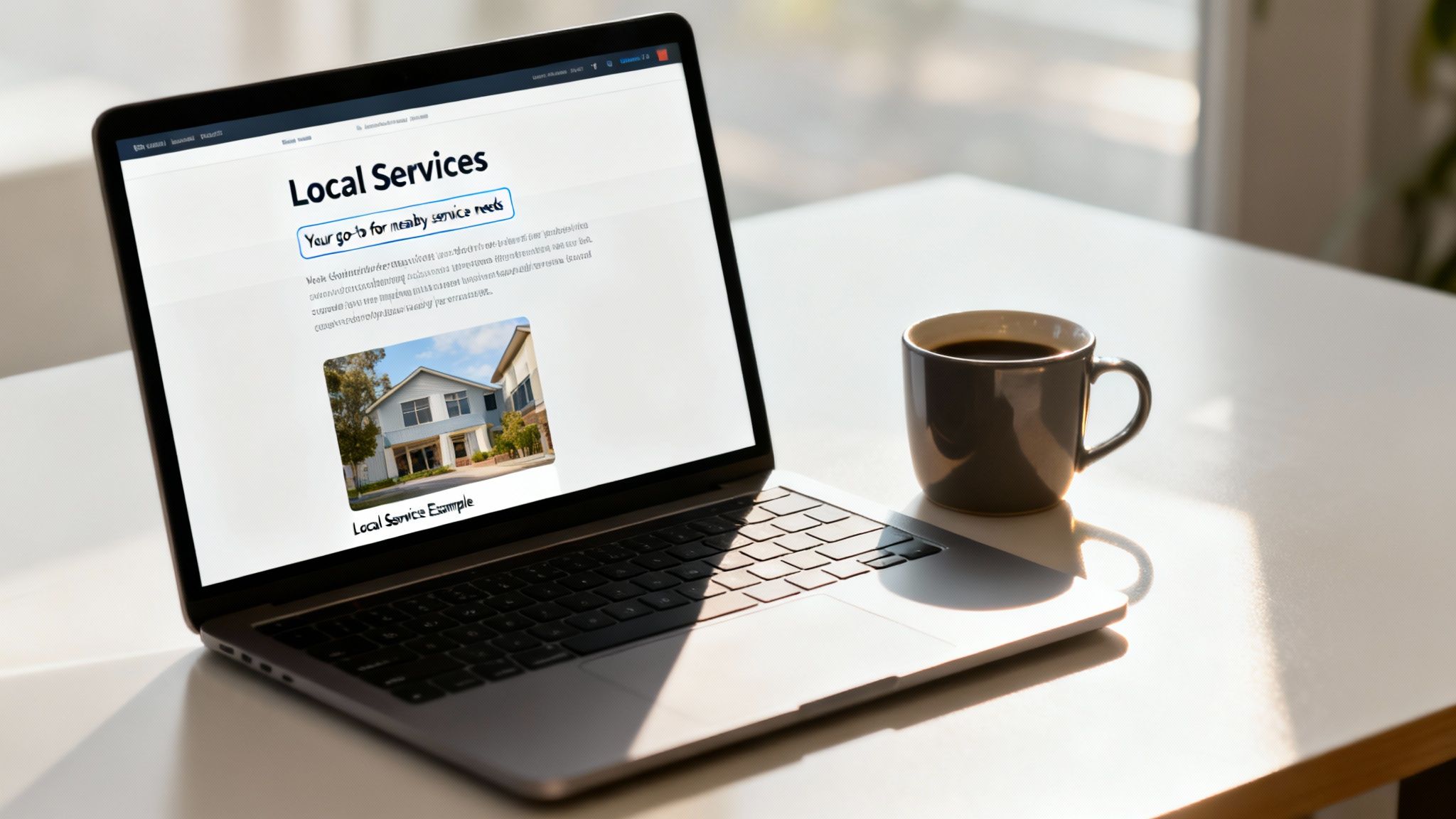
Once your digital storefront is polished and your online reputation is solid, it's time to turn our attention to your website. Think of it as your owned digital real estate—the central hub where every marketing effort should ultimately lead. On-page SEO is simply the art of making it crystal clear to both Google and your potential customers exactly what you do and where you do it.
It all starts with keywords. But not just any keywords. We're talking about the specific, high-intent phrases your ideal clients are typing into Google right now. For Aussie service businesses, this means getting past generic terms and finding the long-tail keywords that signal someone is ready to buy.
Projected SEO spending for Australian businesses is tipped to hit $1.5 billion in 2025. But here's the kicker: a recent study of 700 Australian SMEs found only 36% actively invest in SEO. That leaves a massive opportunity on the table for businesses ready to get it right. You can check out more of these Australian local SEO statistics yourself.
Finding Keywords That Actually Convert
Forget broad, vague terms like "plumber" or "accountant." Your best customers are searching with much more detail because they have a specific problem they need solved, fast.
Your goal is to unearth high-intent phrases like these:
- "Emergency hot water repair Parramatta"
- "Small business tax accountant North Sydney"
- "Best pre-purchase building inspection Geelong"
Sure, these long-tail keywords have lower search volume, but the user intent is through the roof. Someone searching for "emergency hot water repair" needs help now. They're a far hotter lead than someone just browsing for "plumbing tips." Tools like SEMrush or even Google’s own Keyword Planner are perfect for uncovering these gems.
Weaving Keywords into Your Website Naturally
Once you've got your list of target keywords, you need to place them strategically where they’ll make the most impact. This is a non-negotiable part of SEO for small business, but it's not about stuffing them into every sentence.
Focus on these key areas:
- Title Tags: This is the blue link people see in Google search results. It must include your main keyword and location, preferably near the start. For example:
Emergency Plumber in Bondi | 24/7 Service | Your Company. - Meta Descriptions: This is the little blurb under the title tag. It's not a direct ranking factor, but a well-written one with your keyword will convince people to click.
- Headers (H1, H2): Your main page title should always be an H1 tag with your primary keyword. Use H2s and H3s for your subheadings to break up the text and target related keywords.
Key Takeaway: Write for humans first, Google second. Your content has to read naturally. If it sounds robotic or forced, you've gone too far. A properly optimised page gives people clear, valuable information that just happens to include your target phrases.
The Overlooked Power of Image Optimisation
Images are fantastic for showcasing your work and making your site look professional, but most people miss their SEO value. Search engines can't "see" a photo, so they rely on the text you provide to figure out what it is.
This is where alt text (alternative text) comes in. It’s a short, descriptive sentence that tells search engines what an image shows. It's also vital for accessibility, as it’s what screen readers announce to visually impaired users.
So, instead of a generic filename like IMG_1234.jpg, rename your image file to something descriptive like bathroom-renovation-surry-hills.jpg. Then, write clear alt text like, "Modern bathroom renovation with freestanding tub in Surry Hills." This simple step helps your images rank in Google Image Search and boosts your page's relevance.
A well-structured website with these clear on-page signals is fundamental. For a deeper dive, explore our comprehensive guide on what local SEO optimisation truly involves.
Creating Content That Solves Problems and Wins Clients
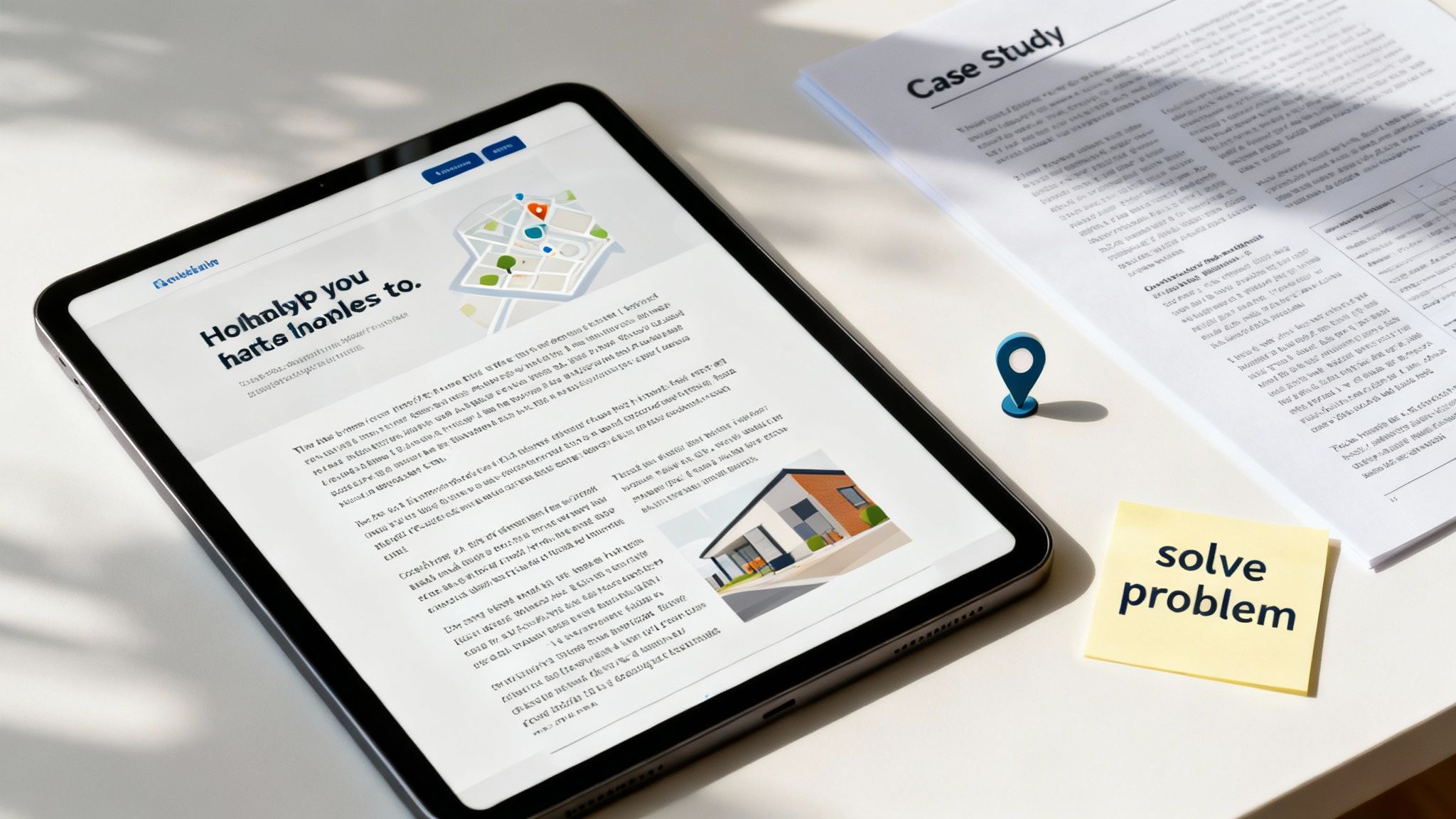
Great content isn't just about filling up your website. It's about proving you're the expert and building a connection with potential customers long before they even think about picking up the phone. It’s the engine that powers your SEO for small business strategy, turning casual searchers into paying clients by actually solving their problems.
Forget generic blog posts for a minute. The real money for service businesses is in creating high-value pages that speak directly to customers with an immediate need. I'm talking about your service-specific and service-area pages.
Tapping into Customer Pain Points
The best content ideas don't come from a keyword tool—they come straight from your customers. Every single day, they're asking questions and running into problems you know exactly how to solve. Your job is to turn those problems into content.
Start by brainstorming the real questions you get asked all the time. What are the common frustrations people have before they call you? Those are your content goldmines. A plumber in Geelong isn’t just fixing leaks; they’re solving the sheer panic of a burst pipe on a Sunday morning.
Key Insight: Your most powerful content isn't about selling your services. It's about demonstrating your expertise so effectively that potential clients conclude on their own that you are the only logical choice.
This is how you turn your website from a simple brochure into a must-read resource. When you answer a potential client’s urgent question with a clear, helpful guide, you build instant trust and authority.
To really nail this, you need to understand how FAQ marketing can transform your sales process. It’s all about getting ahead of their concerns before they even become objections.
Hyper-Local Pages That Dominate Search
For any service business, winning the local game is everything. This is where dedicated service area pages become your secret weapon. Instead of one generic "Services" page, create a unique, targeted page for each key suburb or region you serve.
For instance, a moving company in Sydney should have separate, optimised pages for:
- "Removalists Bondi"
- "Furniture Movers Parramatta"
- "Office Relocations North Sydney"
Each page needs a local flavour. Mention landmarks, talk about the specific challenges of that area (like those notoriously narrow streets in Surry Hills), and sprinkle in testimonials from local clients. This laser-focused approach tells Google you're the go-to authority in that specific spot, massively boosting your chances of ranking.
Don't just take my word for it. Original research on 557 local Australian businesses found that companies targeting multiple locations average 80,022 website sessions. That’s a staggering 557% increase over the 12,186 sessions seen by single-location businesses. The power of a broad, location-specific content strategy is immense.
Content Ideas for Your Service Business
Thinking about what to create can feel overwhelming, so I've broken down some ideas based on where your customer is in their journey. This ensures you have the right content ready at the right time.
| Customer Journey Stage | Content Type | Example Topic for a Plumber |
|---|---|---|
| Awareness (Problem-Aware) | How-To Guides, Checklists | "5 Proven Signs Your Hot Water System is About to Fail" |
| Consideration (Solution-Aware) | Case Studies, Comparison Guides | "Case Study: How We Fixed a Recurring Blocked Drain in 24 Hours" |
| Decision (Ready to Buy) | Service Pages, Testimonials | "Emergency Plumbing Services in Geelong – Available 24/7" |
Using a mix of these formats ensures you're helping people no matter where they are in the buying cycle, guiding them naturally towards becoming a client.
Choosing the Right Content Format
Different problems call for different solutions. Mixing up your content formats keeps your audience engaged and appeals to all kinds of learning styles. After all, not everyone wants to read a 2,000-word article.
Here are a few powerful formats that work wonders for service businesses:
- Detailed How-To Guides: Walk a customer through solving a small problem on their own (e.g., "How to Unclog a Sink Drain Without Harsh Chemicals"). This builds massive trust.
- Case Studies: Show, don't just tell. Detail a problem a past client had, the solution you provided, and the fantastic result. This is powerful social proof.
- Infographics: Create a visual guide to a process or showcase compelling results from a project. They are super shareable and easy to scan.
- Checklists: Make downloadable checklists that help clients prepare for your service (e.g., "Your Pre-Painting Checklist for Interior Jobs").
By building a rich library of resources that solve real-world problems, you establish rock-solid authority. This translates directly into higher search rankings, better quality leads, and a business that clients seek out by name.
Fixing the Technical Issues That Hurt Your Rankings
You can put all your effort into creating brilliant content and polishing your Google Business Profile, but if your website has technical problems lurking under the hood, it can all be for nothing. A beautiful website is completely useless if Google can’t figure out how to crawl it, or if it’s painfully slow for your visitors. This stuff is the foundation of your entire SEO for small business strategy.
Think of technical SEO like doing the essential maintenance on your car’s engine. You don't always see it, but you'll definitely feel it when things aren't working right. It’s all about making sure your site is fast, easy for search engines to understand, and gives everyone a great experience, especially on mobile.
Making Your Website Mobile-Friendly
Being mobile-friendly isn't a "nice-to-have" anymore—it’s an absolute deal-breaker. Google now uses a mobile-first indexing system. Plain and simple, this means it looks at the mobile version of your site first for ranking and indexing. If your site is a mess on a phone, your rankings will suffer. Period.
This goes way beyond just making sure the text is readable. Buttons need to be easy to tap, navigation has to be simple, and forms must be a breeze to fill out on a small screen. A clunky mobile experience sends users bouncing away and signals to Google that your site isn’t a quality result.
The Critical Role of Page Speed
How fast your website loads is a massive ranking factor. We live in a world of instant gratification, and a slow site is a business killer. Research shows that just a one-second delay in page load time can lead to a 7% drop in conversions. For a small business, that's a serious amount of lost revenue.
Slow load times frustrate users, which leads to a higher bounce rate (people clicking away from your site almost immediately). This tells Google that your site offers a poor user experience, which directly torpedoes your rankings.
A great starting point is Google's own tool, PageSpeed Insights. It gives you a clear picture of how your site is performing.
This report will give you a score out of 100 and a list of specific, actionable recommendations to improve your speed, like compressing images or improving your server response time.
One of the quickest wins for most businesses is image compression. High-resolution photos are often massive files that take forever to load. Using a simple online tool to shrink your images before you upload them can dramatically speed things up without any noticeable drop in quality.
Creating a Clean and Logical Site Structure
A logical website structure helps both your customers and search engines get around your site without getting lost. This means creating clean, descriptive URLs and organising your content in a way that just makes sense.
For example, a messy URL might look like this: yourdomain.com.au/p?id=123.
A much better, SEO-friendly version would be: yourdomain.com.au/services/emergency-plumbing-bondi. This tells everyone—including Google—exactly what the page is about before they even click.
You'll also need an XML sitemap. Think of it as a roadmap of your website that you hand directly to Google. It lists all of your important pages, making it much easier for Google to find and index your content and ensuring nothing important gets overlooked.
Key Takeaway: Technical SEO is all about removing roadblocks. By making sure your site is fast, mobile-friendly, and easy to crawl, you’re letting all your other SEO efforts—your content, local optimisation, and reputation management—finally reach their full potential.
Common SEO Questions (Answered With No Fluff)
Jumping into SEO can feel like trying to learn a new language while juggling a dozen other priorities. It’s easy to get lost in all the noise out there.
To cut through the confusion, here are the straight-up answers to the most common questions we get from service-based businesses in Australia. This is what you actually need to know to make smart decisions for your business.
How Long Does SEO Take to Actually Work?
This is the big one, and the honest answer is: it depends.
Some things, like a solid Google Business Profile optimisation, can start bringing in calls and clicks within a few weeks. But a real SEO for small business strategy is a long game. Think of it more like planting a tree than flipping a switch. You're building trust and authority, and that takes time.
Generally, you should expect to see real, measurable results within 4 to 6 months of consistent effort.
And consistent is the key word. Dabbling here and there will get you nowhere. Sticking to the plan is what builds the momentum you need to climb the rankings and stay there.
Can I Do My Own SEO or Should I Hire Someone?
Absolutely. A savvy business owner can definitely handle the foundational stuff, especially for local SEO. Using this guide, you can tick off tasks like:
- Setting up and optimising your Google Business Profile.
- Asking for (and replying to) customer reviews.
- Doing basic on-page SEO for your main service pages.
- Making sure your business name, address, and phone number are consistent online.
But DIY SEO has its limits. If you're in a super competitive industry, don't have time to create regular content, or need to get into the more technical side of things, bringing in a specialist is a game-changer. They have the tools, the expertise, and the dedicated time to get you results much faster.
Our advice? Start with what you can handle. Get the basics right first. As you grow and your goals get bigger, that's the perfect time to bring in an expert to take you to the next level.
What’s the Most Important Part of SEO for a Local Service Business?
For almost every local business in Australia, the single most powerful thing you can do is nail your Google Business Profile. It’s not even a contest.
Why? Because your GBP is what gets you into the Google "map pack"—that little box with three businesses that shows up at the top of local search results. A huge chunk of potential customers will make a decision right there without ever even visiting your website.
Once your GBP is sorted, focus on these next:
- On-Page SEO: Make sure your service and location pages are perfectly set up for the keywords people are actually searching for.
- Reputation Management: Actively build up a steady stream of great customer reviews.
How Much Should I Budget for SEO?
There’s no one-size-fits-all answer here. A budget could be a few hundred dollars a month for some basic local management, or it could be several thousand for a full-scale national campaign.
What you should invest depends on a few things:
- Your Industry: A local sparky in a small town faces different competition than a financial advisor in Sydney.
- Your Location: Competing in a major metro area is a whole different ball game than in a regional centre.
- Your Goals: Are you looking for slow and steady growth, or are you trying to aggressively take over the market?
Instead of asking, "How much does SEO cost?", a better question is, "What is one new client worth to my business?" If a single client brings in $2,000, then investing $1,000 a month to get several new clients is a no-brainer.
Think of SEO as an investment in a machine that generates leads for you, not just another marketing bill.
Ready to stop guessing and start growing? The strategies in this guide are your starting point, but a plan built just for you can unlock your business's true potential. At Homer Digital Marketing, we build marketing systems that attract your ideal clients on autopilot.
Let's have a chat about how we can grow your business together.
