
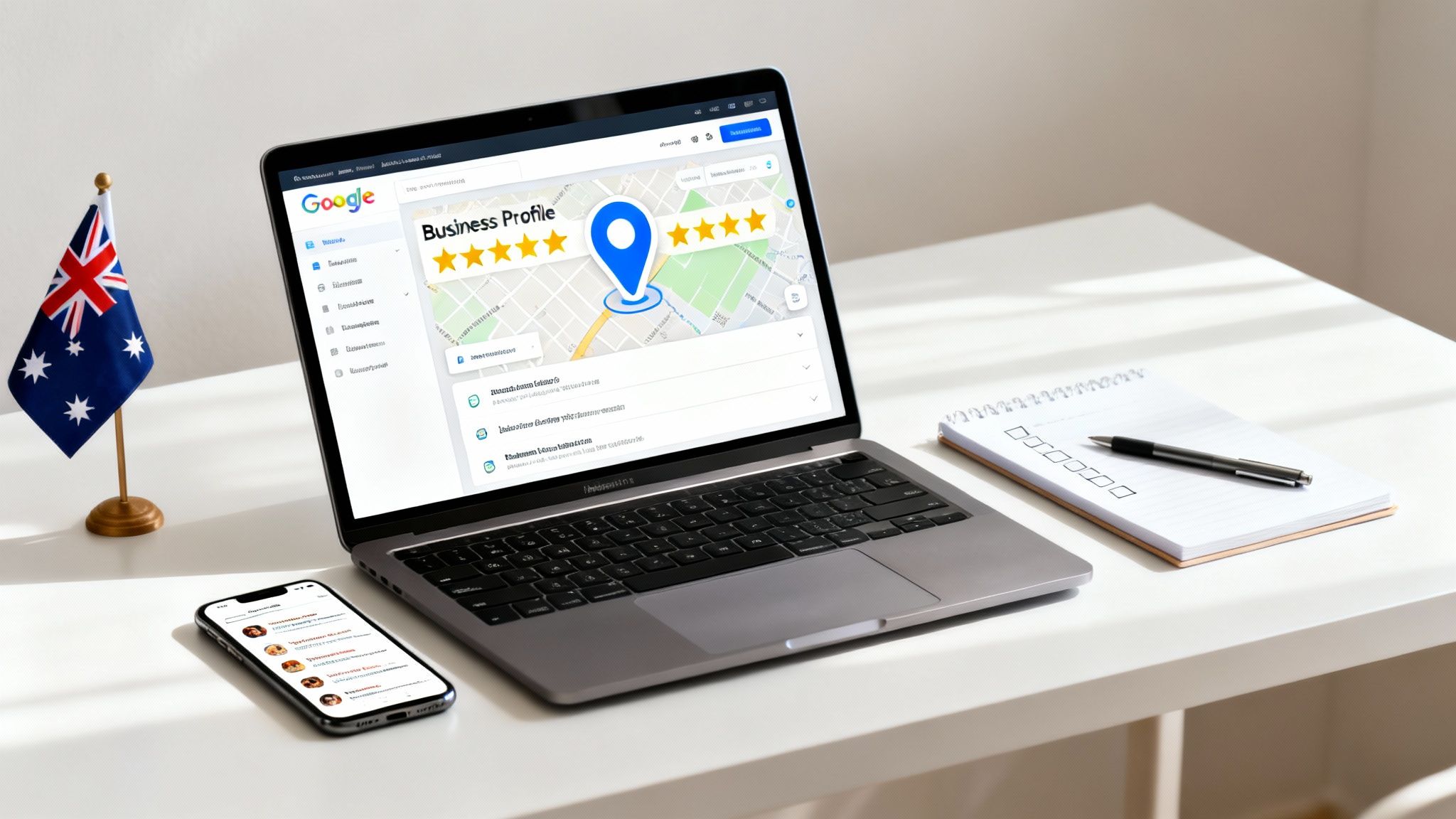
Think of your Google Business Profile as your digital front door. It’s a free, incredibly powerful tool that lets you control how your business appears on Google Search and Maps. For potential customers in your area, it’s often their very first impression of who you are and what you do. Are you ready to turn that first look into a paying client? This guide will show you exactly how.
Why Your Google Business Profile Is Your Best Local Marketing Tool
Too many Australian service business owners treat their Google Business Profile like just another online directory. That’s a massive mistake. Your profile isn't a static listing in a phone book; it’s an active client-generating machine that works for you 24/7.
More often than not, it's the very first interaction a potential customer has with your brand.
When you learn how to optimize your Google Business Profile correctly, this free platform turns local searches directly into phone calls, website visits, and paying customers. It’s the bridge between someone in your suburb needing your service and them choosing you to do the job.
The Power of Local Search in Australia
Let’s forget complex marketing funnels for a second. Today, the customer journey in Australia almost always kicks off with a simple Google search. The data makes this crystal clear.
A staggering 94.5% of Australians now use Google to find local businesses. This behaviour directly drives sales, with local search influencing an estimated $9 out of every $10 spent. And even with the ecommerce boom, in-person services are more important than ever—61% of Aussie consumers use Google to find them. These people aren’t just browsing; they’re ready to buy. You can dig into more data on local search trends in Australia to see the full picture.
So, how does optimising your profile actually translate into business results? This table breaks down the direct connection between your actions and your bottom line.
How GBP Optimisation Impacts Key Business Metrics
| Optimisation Action | Direct Impact on Profile | Result for Your Business |
|---|---|---|
| Adding High-Quality Photos | Increases visual appeal and engagement. | More clicks, higher trust, and a better chance of getting the call. |
| Actively Requesting Reviews | Builds social proof and improves local ranking. | Attracts more high-intent customers who trust peer recommendations. |
| Publishing Weekly Posts | Shows your business is active and current. | Keeps you top-of-mind and provides a direct path for customers to book. |
| Answering Q&As Promptly | Establishes you as an expert and removes friction. | Converts hesitant searchers into confident buyers. |
| Completing All Profile Sections | Improves visibility in targeted, relevant searches. | Higher rankings in the "Map Pack" and more qualified leads. |
As you can see, every small tweak you make to your profile is a deliberate step toward attracting and converting local customers.
Turning Searches Into Real-World Jobs
What does this all mean for your service business day-to-day? Every single month, searchers visit 1.5 billion locations related to what they found on Google. These are people with active intent, ready to take action.
Optimising your Google Business Profile is one of the highest-ROI activities you can undertake for immediate local growth. It’s not about just being found; it's about being chosen.
A polished, up-to-date profile helps you stand out in those critical moments. Think about these real-world scenarios for a local Australian customer:
- A homeowner in Adelaide has a burst pipe and searches "emergency plumber near me."
- A professional in Melbourne is looking for the "best business coach Melbourne."
- A family in Sydney wants to find a "highly-rated buyers agent Sydney."
In every single case, the businesses that show up at the top—the ones with complete profiles, great reviews, and recent posts—are the ones that get the call. Your Google Business Profile is your ticket to being that top result, capturing high-intent customers exactly when they need you most.
Building a Trusted Google Business Profile From Scratch
Getting the foundations of your Google Business Profile right is non-negotiable. An incomplete or sloppy profile doesn't just look unprofessional; it actively turns away potential customers and signals to Google that you might not be a legitimate, active business.
This is your blueprint for creating a rock-solid foundation that both your clients and the search engine will trust.
The first job is to either claim or create your listing. If your business has been around for a while, there’s a good chance a basic profile already exists, just waiting for you to take ownership. If you're brand new, you'll be starting from a clean slate.
For a detailed walkthrough of that initial setup, our guide on how to list your business on Google has you covered.
Choosing Your Business Categories
One of the most critical decisions you'll make is picking your business categories. This choice directly tells Google which searches you should show up for. You get one primary category and can add several secondary ones.
Your primary category needs to be the most accurate, specific description of your main service. Think like your customer would. Are you a "Plumber" or an "Emergency Plumber"? A "Financial Planner" or a "Retirement Planning Service"? The more specific you are, the better Google can match you with qualified leads.
For your secondary categories, list out all the other services you provide. An electrician, for instance, might add "Lighting Contractor" and "EV Charger Installation." This helps you show up in more searches without weakening the focus of your main offering.
Pro Tip: Don't just guess. Take a look at the top-ranking competitors in your local area. See what primary category they're using—it's usually a massive clue as to what Google wants to see for your industry.
This simple infographic shows the powerful journey a local customer takes, from search to action.
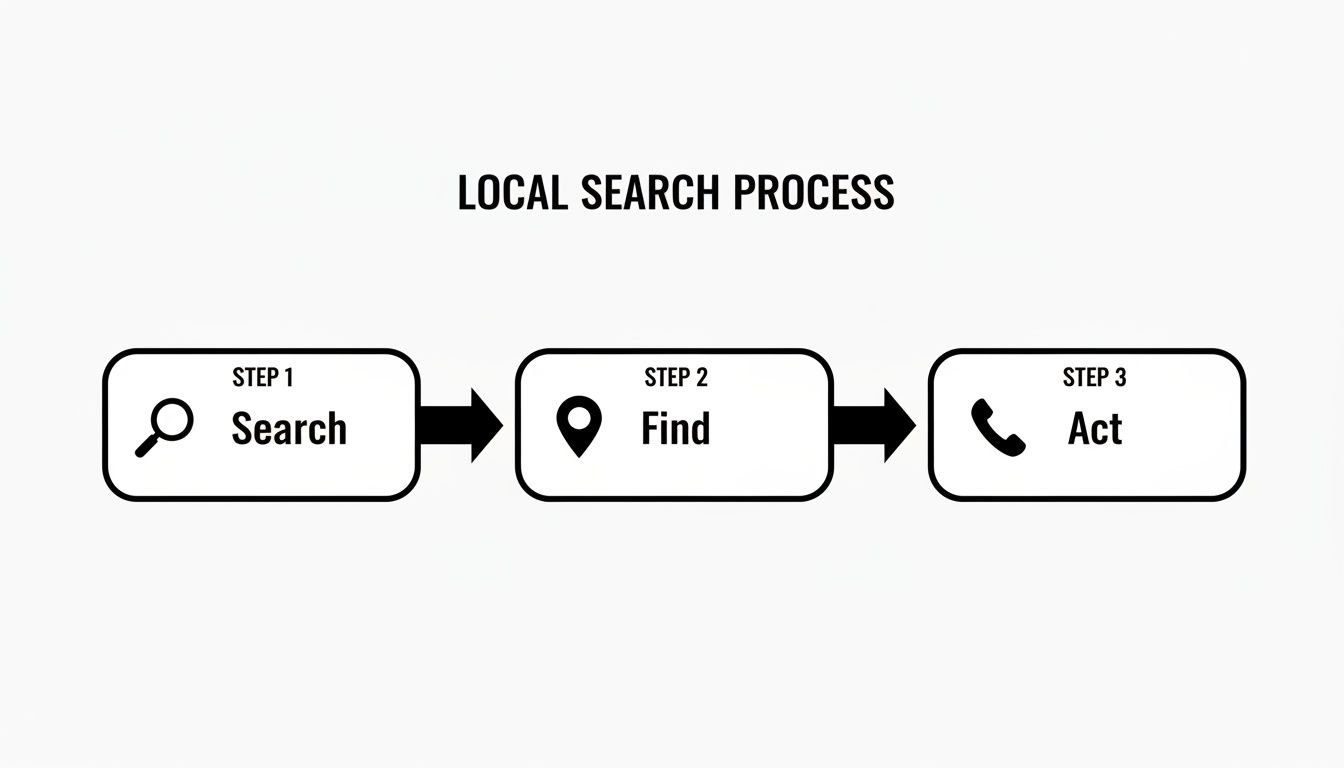
This process makes it crystal clear why nailing your categories is so important. It ensures you’re visible at that crucial "Find" stage when customers are looking for a solution.
Navigating the Verification Process
Verification is how Google confirms your business is real and located where you claim. Without it, your profile is basically invisible and you can't use most of its features. For Aussie businesses, especially those without a physical shopfront, this step can sometimes be a bit of a headache.
Google offers a few verification methods, and unfortunately, you don't always get to choose.
- Postcard Verification: This is the old faithful. Google mails a postcard with a code to your registered business address. This can be a pain for home-based businesses in Australia, as PO Boxes are not accepted.
- Phone or Email Verification: Some businesses get lucky and are eligible for instant verification with a code sent to their business phone or email.
- Video Verification: This is becoming much more common, particularly for service-area businesses. You'll need to record a quick video showing your workspace (even a home office), branded vehicle, or tools of the trade to prove you're a real operation.
If you’re a service-area business—like a mobile mechanic in Cairns or a consultant in Perth—don't list your home address publicly. During setup, you can specify your service areas and choose to hide your physical address. This is absolutely critical for privacy and helps you appear in searches across all the suburbs you serve, not just the one where you live.
Getting through verification is the final hurdle to unlocking the full power of your profile. Don't delay it.
How to Optimize Your Google Business Profile to Convert Clicks Into Clients
Getting your Google Business Profile verified is just the starting line. The real work begins now: turning that basic listing into a 24/7 sales tool that pulls in curious searchers and turns them into paying clients.
This is where you need to shift from just being listed to actively selling.
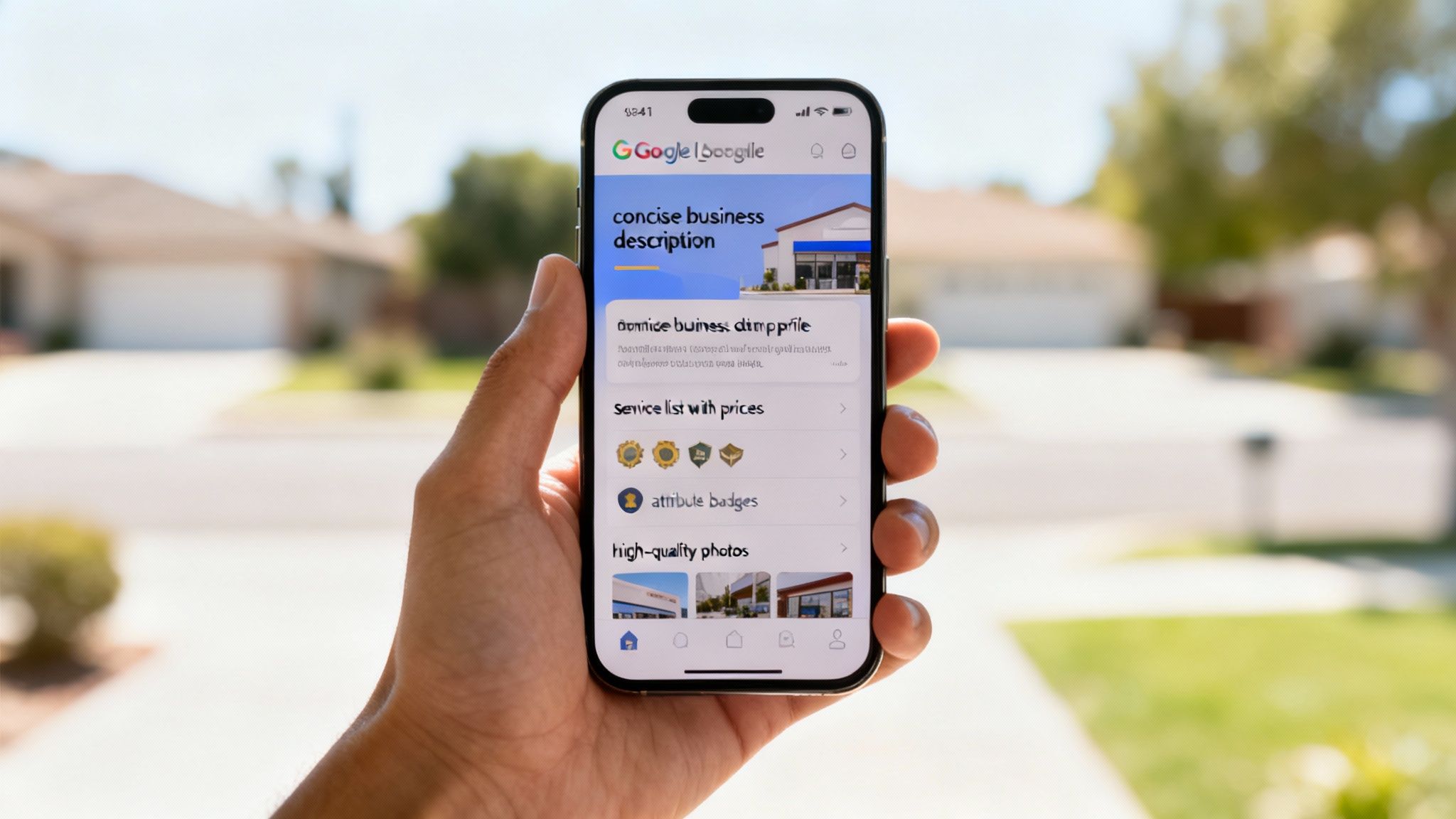
Too many business owners treat their profile like a page in the Yellow Pages. They list what they do and move on. To actually stand out, you have to dig into the details that build trust and answer a potential client's questions before they even think to ask them.
Crafting a Compelling Business Description
Think of your business description as your elevator pitch. You’ve got 750 characters to convince someone you’re the right choice. Don't waste it with a dry list of services. Tell a story.
Instead of focusing on what you do, focus on the problem you solve. A buyer's agent doesn't just "find properties." They "help busy Sydney families navigate the complex property market to find their dream home, minus the stress." See the difference? One is a task, the other is a solution that connects emotionally.
Use the first 250 characters to hook them. This is the snippet people see before the "read more" cutoff. Get straight to the point: state who you help, what problem you solve, and what makes you different.
Highlighting Your Unique Selling Points with Attributes
Attributes are quick, clickable tags that highlight key features of your business. They’re powerful filters that help you show up for the right kind of customer, and they make your profile look more complete and trustworthy to both users and Google.
Think of them as instant answers to common questions.
- Identity Attributes: Let people know you’re a "Women-led" or "Veteran-led" business. These build a real connection with customers who want to support diverse businesses.
- Service Attributes: Clarify how you work with tags like "Online appointments" or "Onsite services." This is non-negotiable for service businesses in Australia.
- Accessibility Attributes: Details like a "Wheelchair-accessible entrance" show you’re inclusive and can be the deciding factor for some clients.
Seriously, take five minutes to scroll through all the available attributes. You’ll almost certainly find a few you hadn't thought of that can immediately boost your profile’s appeal.
Detailing Your Services for Maximum Clarity
The "Services" section is one of the most underutilised—and most powerful—features on your profile. This is where you can break down everything you offer, packed with keyword-rich descriptions and even transparent pricing. If you want a deeper look at the fundamentals, this guide on how to optimize your Google Business Profile is a great starting point.
For every service you add, write a short description (up to 300 characters) explaining the value. Don't just list "Recruitment Services." Create a specific service called "Executive Talent Placement" and describe it: "We connect growing tech companies with vetted C-suite leaders who can drive innovation and scale."
This level of detail does two things:
- It answers questions upfront, making it easier for a customer to decide to call you.
- It feeds Google more keywords, helping you rank for specific searches like "executive talent placement Sydney."
This whole process is about turning clicks into actual business. For more strategies on this, our resources on conversion rate optimisation in Australia can give you some valuable insights.
Telling Your Story with High-Quality Photos
At the end of the day, people buy from people they trust. Visuals are the fastest way to build that trust. Profiles with high-quality photos get 42% more requests for directions and 35% more clicks through to their websites. The numbers don't lie.
Your photos need to tell a story. Go beyond your logo. For an Aussie service business, these are the shots you absolutely need:
- You and Your Team: A friendly, professional headshot or a team photo puts a human face to your business.
- Your Work in Action: Show before-and-afters, a shot of you consulting with a client, or your team on-site. This is tangible proof of your expertise.
- Your Branded Vehicle/Office: This builds legitimacy and helps clients recognise you when you arrive.
If the budget allows, hire a professional. If not, a modern smartphone does a fantastic job—just make sure your shots are well-lit, in focus, and reflect the quality of your work.
Driving Engagement to Dominate Local Search Rankings
One of the biggest mistakes I see businesses make is treating their Google Business Profile like a static, 'set and forget' asset. To actually climb the local search rankings and stay top-of-mind, you need consistent, meaningful activity. It's this ongoing engagement that tells Google your business is active, relevant, and a fantastic choice for its users.
This isn't just about algorithms; it’s about creating a living, breathing profile that turns searchers into paying customers. The numbers don't lie. A study of 27 local Australian businesses found the average company generated 1,873 phone calls, 5,151 interactions, and 2,182 website clicks every year, all directly from their profile. That’s a serious stream of new business.
Use Google Posts as Your Mini-Blog
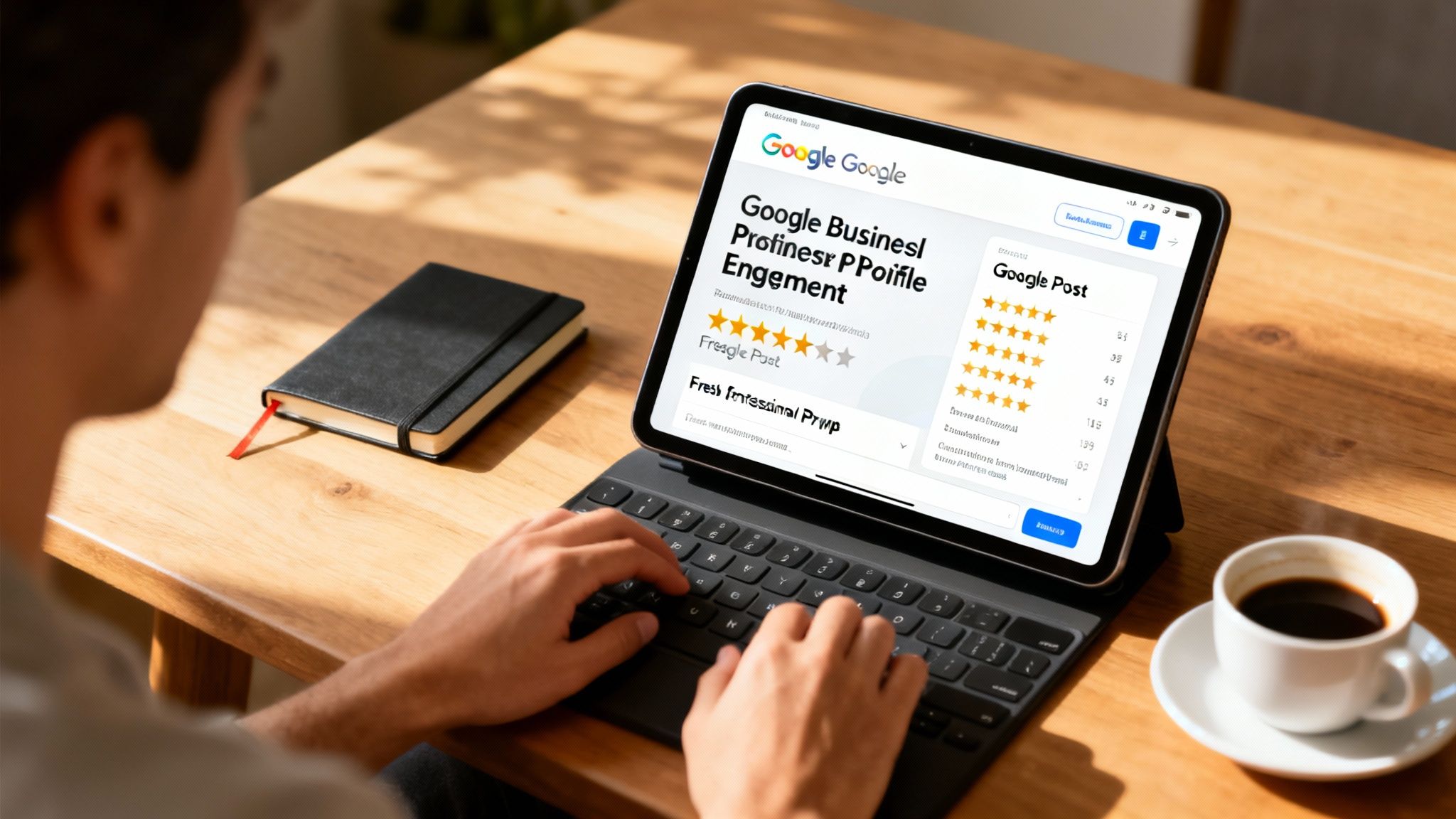
Think of Google Posts as a real-time bulletin board for your business. It's a powerful feature that lets you share updates, special offers, and project highlights right there on your profile. Posts stay live for six months (unless they're for a specific event), which is a great way to keep your profile looking fresh and active.
Regular posting is a huge signal. It shows potential customers you're open for business and gives them a reason to choose you over a competitor with a dormant profile.
So, what should you post?
- Project Highlights: Share before-and-after photos of a recent job. A landscaper in Brisbane could showcase a stunning garden makeover.
- Special Offers: Running a seasonal discount? Create a post with a clear call-to-action button like "Book Now" or "Learn More."
- Company News: Did you hire a new team member or win an award? Share it! This stuff humanises your business.
- Educational Content: Briefly answer a common client question. An IT consultant could share a quick tip on cybersecurity.
Master the Art of Google Reviews
Reviews are the lifeblood of your local reputation. Plain and simple. They're a massive ranking factor and the social proof that convinces hesitant customers to pick up the phone. A steady stream of positive, recent reviews is completely non-negotiable.
Don't just sit back and hope for reviews—you need to actively ask for them. After you've finished a job and your client is happy, send them a direct link to leave feedback. Automating this process can be an absolute game-changer. For a detailed breakdown of effective strategies, check out our guide on how to get more Google reviews.
Responding to every single review is crucial. Thank customers for their positive feedback and address negative comments professionally and calmly. Your public response is often more for future customers than it is for the original reviewer.
Managing negative feedback is just as important. Acknowledge the issue, offer to take the conversation offline, and show that you're committed to making things right. A profile with a perfect 5.0 score can sometimes look less authentic than one with a 4.8 and thoughtful responses to the occasional critique.
Proactively Manage Your Questions and Answers
The Q&A section on your profile is a goldmine. It's a chance to address common customer questions before they even have to ask, removing any friction from their decision-making process. The best part? You can ask and answer your own questions.
This lets you build out a pre-emptive FAQ right on your profile, controlling the narrative.
Example Proactive Q&A:
- Question: "Do you offer free quotes for residential painting in the Sydney area?"
- Answer (from you, the owner): "Absolutely! We offer no-obligation, free quotes for all residential painting projects across Sydney. You can give us a call at [Phone Number] or book a time directly on our website."
By seeding this section yourself, you provide immediate value. You still need to monitor it closely, though, as anyone can ask a question, and it's vital to provide a prompt, accurate answer from the business.
To really get ahead, it's worth digging into a comprehensive guide to improving your Google My Business ranking. These ongoing engagement tactics are a core part of any successful strategy, turning your profile from a simple listing into a lead-generation powerhouse.
Using Advanced Tactics and Tracking Performance
Right, you’ve nailed the basics. Now it’s time to stop just having a profile and start using it as a serious lead-generation tool. This is where you get the edge over your competitors who set up their profile once and then forgot about it.
We're moving beyond simple setup and into smart tactics, from digging into your performance data to putting time-sucking tasks on autopilot.
Think of it this way: the basics get you in the game. These advanced strategies are how you win it.
Leveraging Data with Performance Insights
Tucked away in your Business Profile Manager is a "Performance" tab. Most business owners ignore it, but it’s an absolute goldmine. This is where Google tells you exactly how people are finding you and what they do when they get there.
Understanding this data is the key to making smarter marketing decisions instead of just guessing what works.
To find it, just log into your Business Profile and click on "Performance". You’ll see a few key metrics that tell a story:
- Queries: This is the good stuff. It shows you the actual search terms people typed into Google to find you. Are they looking for your brand by name, or are they searching for a service like "plumber in Richmond"? This is priceless for refining your service descriptions and posts to match the language your customers use.
- Interactions: This is your ROI metric. It counts how many people clicked to your website, asked for directions, or called you straight from your profile. It's a direct measure of how many leads your profile is generating.
- Photo Views: This one is interesting because it compares your photo performance against your competitors. If their photos are getting way more views, it’s a massive red flag that your images need a serious upgrade.
Get into the habit of checking these insights on the first of every month. Did you see a spike in calls right after you posted about a new air conditioning special? That tells you the post worked. A drop in website clicks? Maybe that new offer isn't hitting the mark. This isn't just data; it's direct feedback from your customers.
Advanced Local SEO Tactics
Once you’ve got the on-page stuff sorted, there are a couple of powerful tactics that can give you a real boost in the local map pack. These are all about proving your geographic relevance to Google.
A simple but incredibly effective strategy is using geo-tagged photos. When you snap a photo on your phone, it often embeds the location data (called EXIF data) into the file. Uploading these photos from different job sites—say, a bathroom reno in Balmain and a kitchen install in Cronulla—sends powerful signals to Google about the exact suburbs you service.
Another one is building local citations. A citation is just an online mention of your business Name, Address, and Phone number (NAP). The golden rule here is consistency. Your NAP must be identical everywhere, from your website to directories like TrueLocal or Yellow Pages. Any inconsistencies can confuse Google and drag your rankings down.
Streamlining Your Workflow with Automation
Let’s be real—as a service business owner, you don’t have time to be manually managing your Google Business Profile every day. A bit of simple automation can keep your profile active and working for you without eating into your week.
Here are a couple of easy wins:
- Automated Review Requests: This is a non-negotiable. Link your invoicing software (like Xero or MYOB) to an email tool. Create a simple workflow that automatically sends a friendly follow-up email with your direct Google review link a few days after you’ve finished a job.
- Post Scheduling: Google's own platform doesn't let you schedule posts, which is a pain. But third-party tools like Hootsuite or Later do. You can sit down for an hour, batch-create your posts for the month, and schedule them to go live. This keeps your profile fresh even when you’re flat out on-site.
By putting these tactics into practice, you’re no longer just maintaining a listing. You’re actively managing a powerful marketing asset that brings in real business.
Your Google Business Profile Questions, Answered
As a service business owner in Australia, your Google Business Profile is one of your most powerful assets. But let's be honest, it can also be confusing. We get questions about it all the time.
So, we've put together a no-fluff guide to the most common queries we see. Think of this as your go-to cheat sheet for getting unstuck and making your profile work harder for you.
Can I Have a Profile if I Work From Home?
Yes, you absolutely can. This is probably the number one question we get from Aussie service and trade-based businesses.
When you set up your profile, Google does need a real street address for verification – they have to mail you a postcard to prove you're a legitimate business. But you don't have to show this address to the public.
Simply choose the option to hide your physical address during setup. Then, you'll be prompted to add your service areas. Be specific here – list the suburbs, towns, or regions you actually travel to. This way, your profile shows up for local customers without ever revealing your home address.
What Do I Do if I Get a Bad Review?
First off, don't panic. A negative review isn’t a disaster. In fact, handling it well can actually build more trust than having a flawless 5-star record. A profile with a 4.8 average and thoughtful responses often looks more genuine to potential customers.
Here's a simple three-step plan:
- Respond Quickly and Calmly: Acknowledge their feedback in public. Don't get defensive or start an argument. Something simple like, "We're sorry you had this experience and we'd like to understand what happened," is perfect.
- Move the Conversation Offline: Offer to resolve it privately. Ask them to call or email your business directly. This shows everyone else reading the review that you take customer service seriously and are proactive.
- Bury It With Good Reviews: The best defence is a good offence. Make a concerted effort to ask your happy clients for feedback. A flood of new, positive reviews will quickly push the negative one down.
Remember, your public response is for all your future customers, not just the unhappy one. Show them you’re a business that listens and takes responsibility.
How Often Should I Add a New Post?
Consistency trumps frequency. You don’t need to post every day, but aiming for one new post each week is a solid goal.
This regular activity sends a strong signal to Google that your business is active and engaged, which can give your local rankings a nice little boost. Use posts to show off a finished job, announce a special offer, or share a helpful tip. You can even schedule them ahead of time with a simple tool to make sure your profile never looks abandoned.
Why Isn't My Profile Showing Up in Search?
This is a really frustrating one, but it's usually down to a few common culprits. If your google my business profile seems to have vanished, work your way through this quick checklist:
- Is it actually verified? If you haven't completed the postcard verification step, your profile is basically invisible. Double-check that it's fully verified.
- Is your information complete? An empty description, missing business hours, or no photos can make Google favour your competitors who have filled everything out.
- Is your service area too big? Listing "Australia" as your service area is a recipe for ranking nowhere. Get specific. List the actual suburbs and council areas you serve.
- Are you searching from too far away? Proximity is a huge ranking factor for local search. If you're trying to find your profile while you're on the other side of town, you're far less likely to see it.
For most businesses, fixing one of these issues will solve the visibility problem almost immediately.
At Homer Digital Marketing, we turn your Google profile from a simple listing into a client-generating machine. If you're tired of guessing and want a clear strategy that gets real results, we're here to help. Book a discovery call with us today and let's talk about how we can scale your business.
