
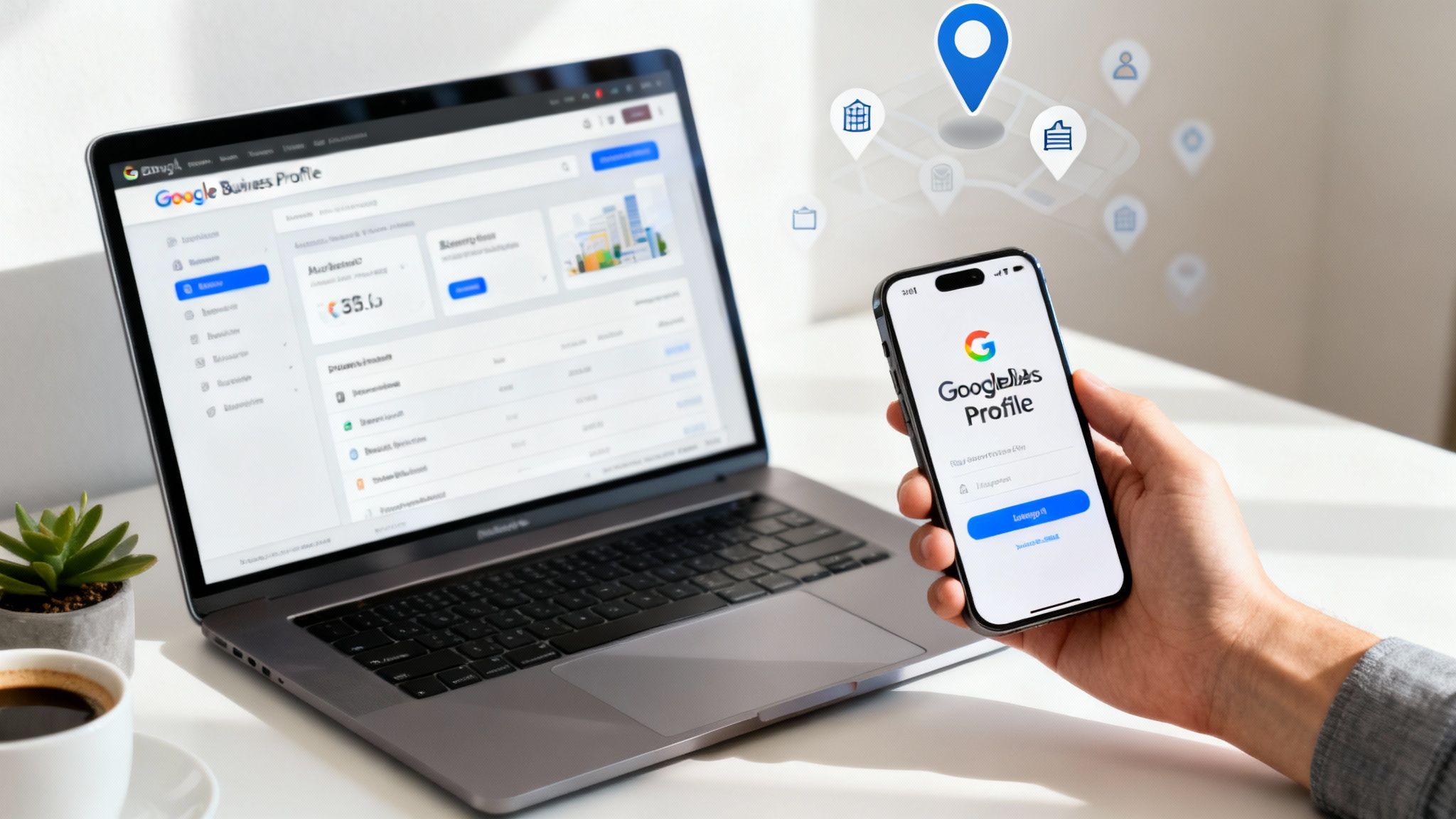
Struggling to find the right place for your Google Business Profile login? It’s easier than you think. Simply sign in to the Google account linked to your business, then type your business name into Google Search. A management panel will appear directly in the search results, giving you instant access to make edits on the fly and solve your problem right away.
Why Your Google Business Profile Is a Non-Negotiable Asset
Many business owners treat their Google Business Profile (GBP) as a static listing—something you set up once and then forget. This is a massive mistake. Your GBP is one of the most powerful, dynamic marketing tools you have for local SEO. It’s your virtual front door for new customers finding you on Google Search and Maps.
Logging into your Google Business Profile regularly isn't just about tweaking your opening hours. It’s about actively shaping how potential customers perceive you, responding to their feedback, and unlocking incredibly valuable data that can drive real growth.
Unlock Your Local Potential
The numbers don't lie. In Australia, the average business with a claimed GBP gets a massive 67 actions per month. That breaks down to roughly 36 website clicks and 18 phone calls—all from potential customers ready to connect.
Yet, a staggering 55% of Australian local businesses haven't even verified their listing. They're leaving all that engagement on the table for their competitors.
Here's a look at what your profile looks like to a potential customer searching on Google.

This little panel is your digital storefront. It gives people instant access to your location, reviews, and contact details, making it easy for them to choose you. To truly maximize its impact, you need to understand what effective Google My Business optimization can do for your visibility.
Think of your GBP less like a passive directory listing and more like an active conversation with your local market. Every review you answer, every photo you upload, and every post you share builds trust and gets you seen.
At the end of the day, getting comfortable with your login is the first step. It’s how you turn this free tool from a simple listing into a genuine lead-generation machine.
Accessing Your GBP Dashboard on a Desktop
If you want the most control over your Google Business Profile, managing it from a desktop is the way to go. Forget trying to bookmark a specific URL—the easiest way to get in is directly through Google Search or Google Maps, as long as you’re logged into the right Google account.
Google designed it this way to be super intuitive, getting rid of any annoying technical steps for business owners.
Finding Your Profile Through Google Search
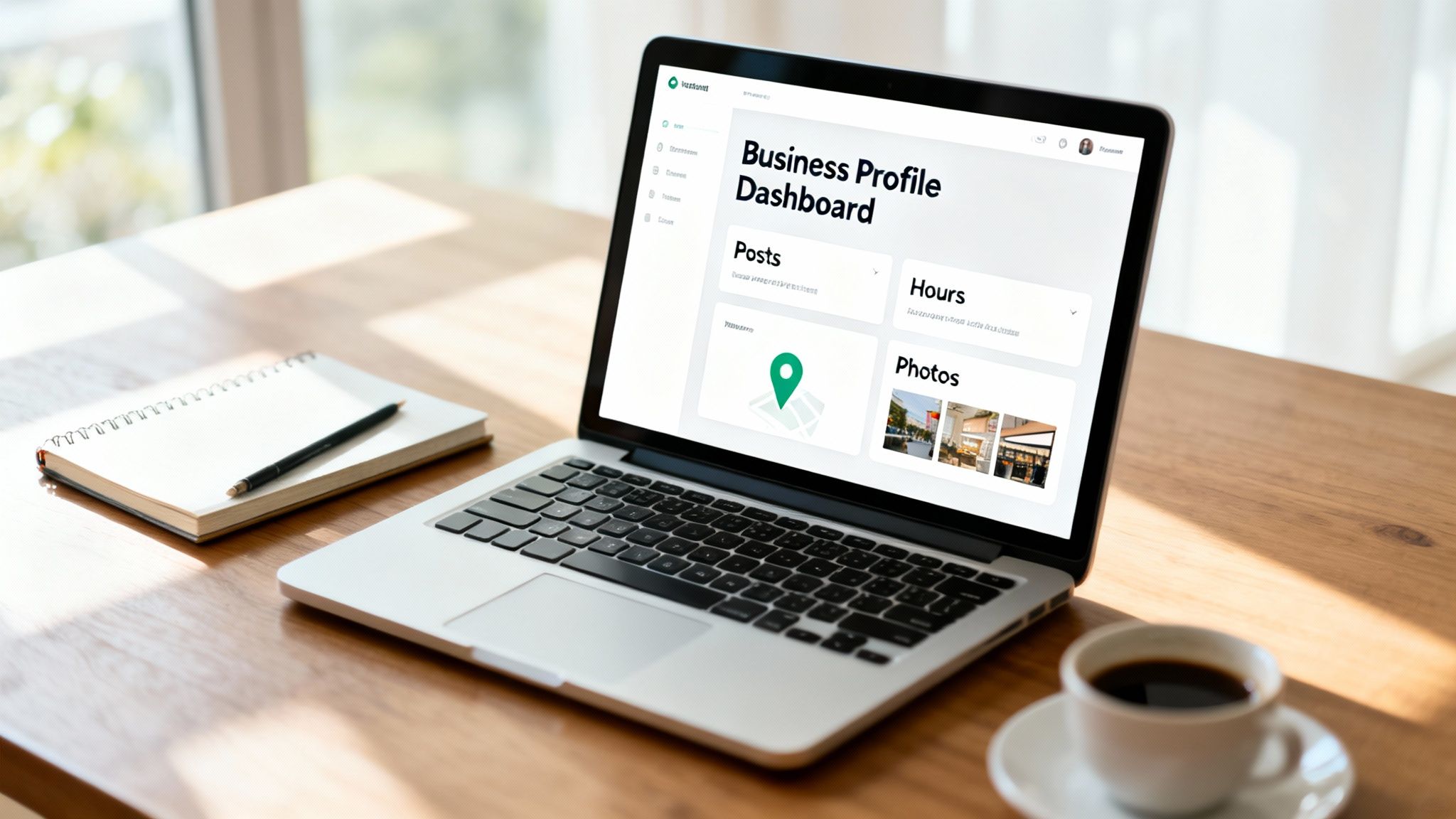
The quickest method is to just use the Google search bar. Open up Google and type in "my business" or your exact business name.
Provided you're logged into the Google account that manages your profile, a handy management panel will pop up right at the top of the search results. This is your command centre for making any edits or updates.
Pro Tip: If you manage a few different locations, searching for the specific business name plus the city (like "Homer Digital Marketing Sydney") will bring up the right profile's management panel instantly. It’s a great little time-saver.
This whole process is a huge improvement on the old business.google.com dashboard. Now, everything is built right into the Google experience you use every day.
Navigating via Google Maps
You can also get to your profile through Google Maps, which is really useful if you want to visually check your location details at the same time.
- Open Google Maps in your desktop browser.
- Double-check you’re signed in to the correct Google account.
- Search for your business name.
- Once your listing shows up on the map and in the side panel, you'll see options to “Manage your Business Profile”.
Both of these Google Business Profile login methods take you to the exact same dashboard, which simply appears as an overlay on the search or map page. From there, you can get straight to the important stuff:
- Edit profile: Quickly update your business name, category, contact info, and opening hours.
- Read reviews: See what customers are saying and write back to them.
- Add photos: Upload new images to keep your profile looking fresh and interesting.
- Performance: Check the data to see how people are finding you and what they’re doing on your profile.
Getting comfortable with this direct access means you can make fast, effective updates whenever you need to, keeping your digital shopfront accurate and appealing to new customers.
Managing Your Business Profile From Your Phone
Let's face it, as a business owner, you’re rarely chained to a desk. The good news is that you can manage your digital storefront from just about anywhere, right from your pocket.
Google retired the dedicated Business Profile app back in 2022, shifting everything into the Google Maps app. It's a smart move, really, since you're probably already using Maps every day. This means your Google Business Profile login is now as simple as opening Maps while you're signed into your business account. From there, you can tackle all the important tasks on the go, keeping your profile fresh and engaging.
Essential Mobile Management Tasks
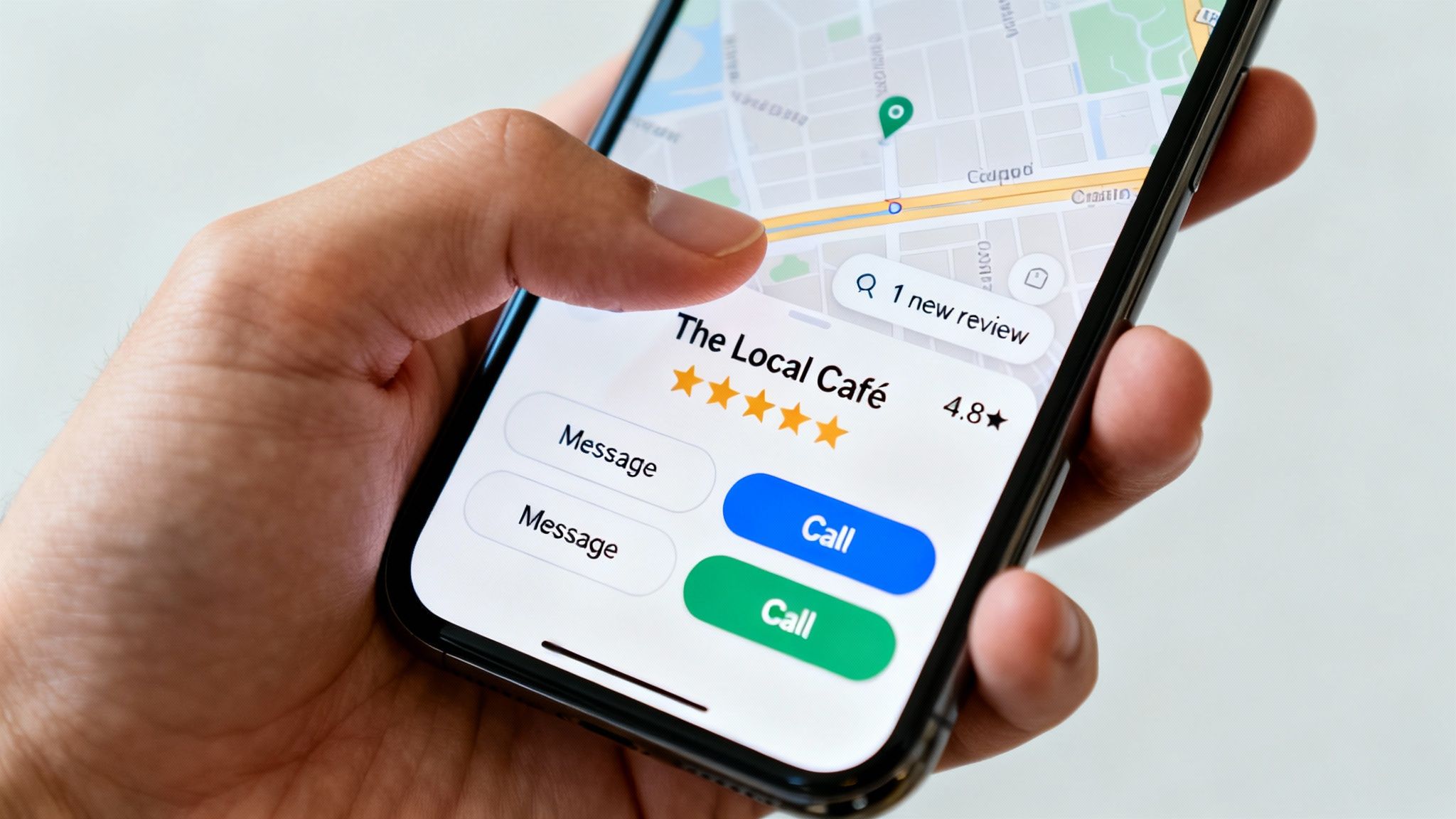
Managing your profile on mobile is perfect for those quick, time-sensitive updates. Think about it: a customer leaves a fantastic five-star review, and you get a notification. You can reply in minutes, showing potential customers you're a hands-on, attentive business owner.
This kind of instant access is ideal for things that happen outside of normal office hours. You can:
- Snap and upload a photo of a newly finished job the moment it’s done.
- Answer a direct message from a lead while you’re commuting.
- Post a quick "Update" about a last-minute cancellation or special offer.
These might seem like small actions, but they send powerful signals to both Google and your customers that your business is active, current, and reliable.
Finding Your Profile in the Maps App
So, where do you actually find the manager tools? It’s straightforward once you know where to look, as it's built right into your personal map experience.
First, open the Google Maps app on your phone and make sure you’re logged into the correct Google account—the one tied to your business profile.
Next, just tap on your profile picture or initial in the top-right corner of the screen. A menu will pop up, and from there, you’ll want to select "Your Business Profiles".
And that’s it. You’ll see all the familiar options to edit info, respond to reviews, and add new photos or posts, just like you would on a desktop. This integration makes managing your profile on the move a completely natural part of your day.
Translating Profile Insights into Business Growth
Your Google Business Profile login is the key to the front door, but the real intelligence lives inside the Performance tab. This isn't just a dashboard full of charts; it’s a roadmap showing you exactly how customers find you and what they do next. When you understand this data, you can stop guessing and start making decisions that actually move the needle.
The insights show you the exact search terms people are punching into Google to find your listing. For example, a local plumber might see searches for "emergency plumber near me" spiking after hours. That’s not just a keyword; it’s a clear signal of urgent customer demand. This data tells you what services people want right now and the exact language they use to ask for them.
Turning Clicks into Customers
Beyond what people search for, the Performance tab tells you what they do. It breaks down how many people clicked to call you, how many visited your website, and how many asked Google Maps for directions to your doorstep.
Think of this as your business's digital body language. A high number of calls but very few website visits suggests customers want immediate answers and direct contact. That’s your cue to make sure the phone is always answered promptly by someone who can help.
This level of detail lets you fine-tune your entire marketing approach based on what your customers are already telling you through their actions.
Making Data-Driven Decisions
The goal here is to connect these metrics to real, actionable strategies. It's a goldmine of information. In Australia, well-managed Google Business Profiles pull in over 1,000 views a month, and a whopping 60% of those viewers click through to the business's website. To get those results, you need to log in, claim your profile, and start using these insights for optimisation—a critical step, especially when so many local businesses are still unclaimed. You can explore more data on Australian GBP optimisation to see the full picture.
To make this even clearer, I’ve put together a table breaking down the most important metrics and what you should do with them.
Key GBP Metrics and How to Act on Them
This table breaks down what each key performance metric in your profile is telling you and the immediate, practical steps you can take to improve your results.
| Metric to Track | What It Tells You | Actionable Next Step |
|---|---|---|
| Search Queries | The exact keywords and phrases customers are using to find you. | Optimise your service descriptions and create Google Posts using these popular terms to improve your ranking. |
| Website Clicks | How many people are interested enough to visit your website from your profile. | Check that your website's landing page is mobile-friendly and has a clear call-to-action to guide visitors. |
| Phone Calls | The number of direct calls made from your listing. | Analyse the times these calls come in to spot peak hours and make sure you have enough staff ready to answer. |
| Photo Views | Which of your images are getting the most attention and engagement. | Upload more photos similar to your most popular ones, like behind-the-scenes shots or team photos. |
By regularly checking these numbers, you can stay ahead of customer trends and make sure your profile is always working as hard as you are.
Solving Common Google Business Profile Login Issues
Nothing throws a spanner in the works quite like being locked out of your own digital shopfront. What should be a simple Google Business Profile login can quickly become a major headache, especially if you can’t remember the right email or a former employee still holds the keys.
It’s frustrating when you get stuck, but the good news is that most access issues are fixable if you know the steps. Whether you're dealing with a forgotten password, an account linked to an old email, or a profile managed by someone else, you can regain control without tearing your hair out.
How to Get Back into Your Profile
The most common hurdle I see is business owners not knowing which Google account is tied to their profile. It happens all the time.
If you’ve already tried all your usual business emails with no luck, the next step is to request ownership. Just search for your business on Google, find your profile, and click the "Own this business?" link. Google will then show you a hint of the current owner's email address, which is often enough to jog your memory.
What if a past marketing agency or an ex-employee is the one with access? The same process works. It lets you formally request they transfer ownership back to you. They get three days to respond before Google lets you move forward with claiming it yourself. Getting familiar with the different roles of a Google Business Profile Manager can also make this whole process clearer.
This decision tree shows exactly why getting back in control is so crucial—it’s the first step to turning your profile's data into real, strategic growth.
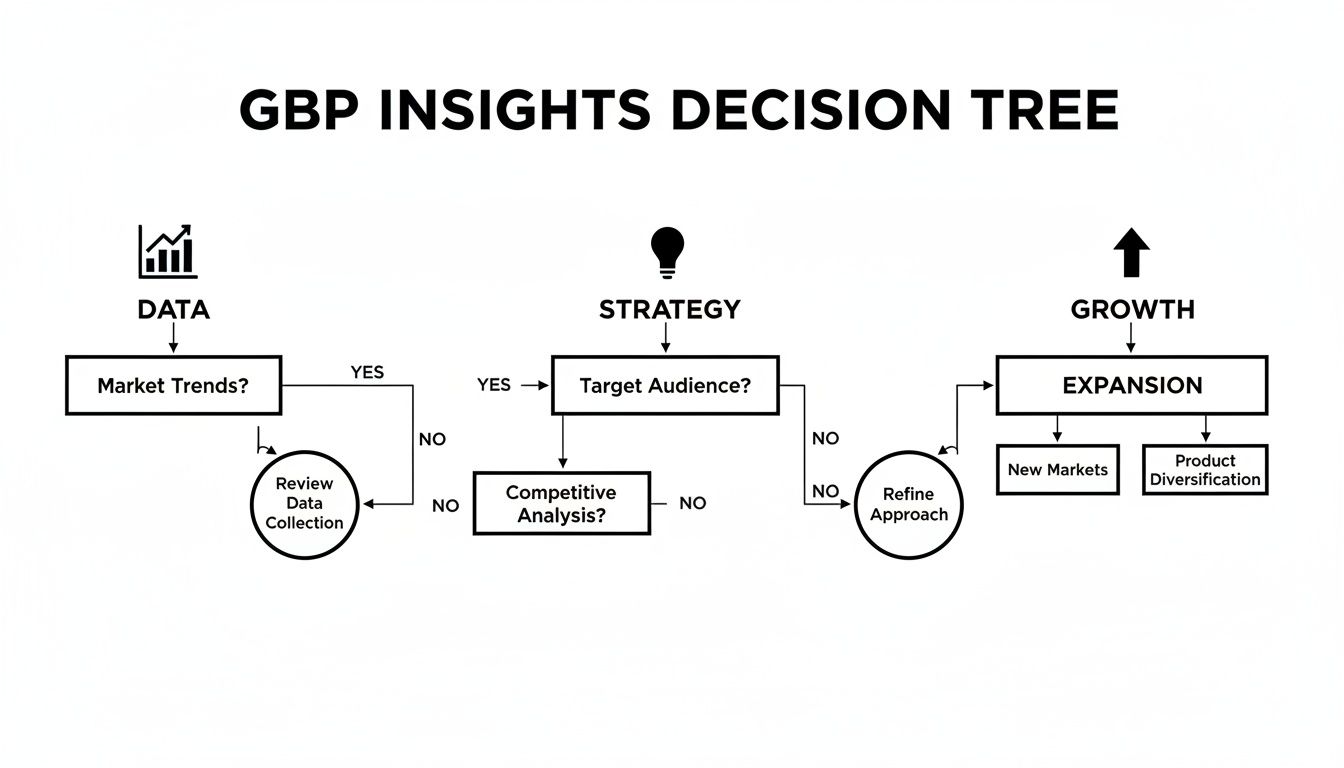
As the flowchart shows, accessing your profile data isn't just about admin—it’s the foundation for building a winning strategy and driving your business forward.
My best advice? Be methodical. Google's account recovery tools are designed to verify you’re the legitimate owner. Follow the prompts carefully and provide as much accurate information as you can. It really does speed things up.
Common Questions About GBP Login and Management
Even with the best intentions, managing your digital storefront can sometimes throw you a curveball. Here are some of the most common hiccups business owners run into with their Google Business Profile login and how to sort them out fast.
Think of this as your quick-fix guide for those "argh!" moments.
What If I Don’t Know Which Google Account Is Linked to My Business Profile?
This happens more often than you'd think. The first port of call is to try logging in with any Google account you use for your business—your main work email, an old admin account, anything you can think of.
If that doesn't work, there's a handy trick. Find your business on Google Search or Maps and click the "Own this business?" link. Google will show you a partially hidden email address (like s***@example.com) that's currently listed as the owner. Usually, that's enough to jog your memory. If you're still locked out, you can request ownership right from that same link.
My Business Profile Says It's Managed by Someone Else. What Do I Do?
Don't panic. This is a classic situation, especially if a former staff member or a marketing agency set up the profile years ago. You can reclaim it.
Just like the scenario above, find your profile publicly and click "Own this business?". This sends an ownership request to the current manager's email. They have three days to respond. If they approve it—or if they don't respond at all—Google will let you step in, claim the profile, and verify it as your own.
Staying active on your profile is non-negotiable for visibility. We consistently see that profiles updated regularly have a higher keyword ranking density and get more engagement—two key factors for landing in the top Local Pack positions. You can get more insights on how GBP ranking works at ROI.com.au.
Why Can’t I Find the Google Business Profile App Anymore?
You're not going crazy—Google officially retired the standalone GBP app back in 2022. They moved everything into Google Search and Google Maps to make management a bit more direct.
To manage your profile on mobile now, just open the Google Maps app, tap your profile picture in the top-right corner, and choose 'Your Business Profiles' from the menu. All your editing tools are right there.
Feeling like you're drowning in digital tasks instead of running your business? Homer Digital Marketing helps service businesses like yours cut through the noise. We build authority and attract your ideal customers using proven Google and AI-powered systems, handling the complexities so you can focus on what you do best. Visit us at https://homerdigitalmarketing.com to see how we can help you scale.
