

A business Google Profile is a free, powerful tool from Google that lets you manage how your business appears in Google Search and on Maps. Think of it as your digital storefront, giving potential clients all the crucial details—address, hours, services, and reviews. For Aussie businesses, it is undeniably one of the most effective tools for attracting new local clients.
Why Your Business Google Profile Is An Untapped Client Magnet
So many Australian service-based businesses set up their Google Business Profile and then forget about it. That’s a huge missed opportunity. Your profile isn't just a pin on a map; it's a dynamic, interactive platform that puts you directly in front of high-intent customers right when they need you most.
Put it this way: when someone searches for "plumber near me" or "best accountant in Sydney," they aren't just browsing. They have an urgent problem that needs a solution now. A fully optimized business Google Profile ensures you’re the first, most credible solution they find.
The Real-World Impact on Your Bottom Line
Forget vanity metrics like profile views. A well-managed profile drives tangible actions that directly fuel your sales pipeline. It's not about how many people see your listing, but how many act on it.
For any service business, these actions are everything:
- Direct Phone Calls from people ready to book a job.
- Website Clicks from prospects who want to dig deeper.
- Booking Requests made straight from your profile.
- Messaging Enquiries from users with specific questions.
Here in Australia, a strong Google Business Profile (GBP) consistently brings in dozens, sometimes hundreds, of these customer actions every single month. One tracking study of 36 Aussie businesses found the average local business got around 5,151 interactions and 2,182 website clicks a year just from their GBP. These aren't just numbers; they represent real, high-intent leads, as most local searches lead directly to a purchase. You can learn more about these Australian local SEO statistics and see how they apply to your business.
For a service business, your Google Business Profile is just as vital as your website. It's often the very first impression you make, building trust and showing off your expertise before a potential client even gets to your homepage.
Building Trust Before the First Click
A complete and active profile is powerful social proof. Positive reviews, recent photos of your work, and quick answers to questions all signal to potential clients that you're a reputable, trustworthy professional.
This initial trust is often the tipping point that makes someone choose you over a competitor with a bare-bones or neglected profile. At the end of the day, your business Google Profile isn't a passive listing—it's an active, client-generating asset.
Key Profile Components And Their Impact On Client Acquisition
Here's a quick look at the essential profile elements and why each one is critical for attracting service-based clients in Australia.
| Profile Component | Why It Matters For Attracting Clients | Actionable Tip |
|---|---|---|
| Business Category | Tells Google exactly what you do, matching you to relevant searches like "electrician in Parramatta". | Be specific. Choose your primary category carefully and add secondary ones where relevant. |
| Service Area | Defines your geographic reach, ensuring you show up for "near me" searches in the suburbs you actually serve. | List all individual suburbs or postcodes you service, not just a broad region. |
| Client Reviews | Builds immediate trust and social proof. More positive reviews directly influence your local ranking. | Actively ask every happy client for a review. Make it easy for them with a direct link. |
| Photos & Videos | Showcases the quality of your work, your team, and your equipment. It makes your business feel real. | Upload high-quality "before and after" shots, team photos, and short videos of your work in progress. |
| Google Posts | Keeps your profile fresh and active. Use them to highlight special offers, new services, or recent projects. | Create at least one Post per week. It only takes a few minutes and signals to Google that you're active. |
| Services List | Details every single service you offer, helping you rank for specific, long-tail searches. | Don't just list "Plumbing." Break it down into "Blocked Drains," "Hot Water System Repair," "Gas Fitting," etc. |
Paying close attention to these components isn't just about ticking boxes. It's about strategically positioning your business to capture the attention of customers who are actively looking for the services you provide.
Nailing Your Business Google Profile From Day One
Setting up your business Google Profile isn't just another box to tick. It’s the foundation of your entire local search strategy. A rushed or half-baked profile leads to verification headaches, poor visibility, and clients you'll never even know you missed. Get it right from the start, and you're building a lead-generating machine, not just an online listing.
First things first, you need to claim your digital turf. Always use a dedicated Google account for your business, not your personal Gmail. This keeps everything clean and makes it a breeze to give access to your team or a marketing agency down the track.
From there, you’ll start entering your business name and other core details. The process seems simple enough, but this is exactly where so many business owners make their first critical mistake.
Choosing The Right Business Categories
Picking your business category is easily one of the most important decisions you'll make. It’s how Google figures out what you do and who it should show your profile to. If you get this wrong, you're practically invisible to your ideal customers.
Your primary category needs to be the most specific and accurate description of your main service. For example, if you're a sparky who specialises in slick home automation, your primary category should still be "Electrician." Why? Because that’s the broad, high-traffic term people actually search for. "Home Automation System Installer" is a perfect secondary category.
Put yourself in your customer's shoes. What words are they frantically typing into Google when they need you? That’s your primary category. All your specialities belong in the secondary categories to catch those more specific, niche searches.
Secondary categories are your chance to showcase everything else you offer. You can add up to nine, so use them to cover every angle of your business. A plumber, for instance, might add "Drain Cleaning Service," "Hot Water System Supplier," and "Gasfitter" to their profile.
Getting Through The Verification Gauntlet
Once your details are in, you have to verify your business. This is just Google’s way of making sure you’re a real, legitimate operation at the location you claim. It can feel like a bit of a hurdle, but it’s essential for unlocking key features, like being able to reply to reviews.
Google has a few different ways to verify you, and the options you see will depend on your business type and location. These usually include:
- Postcard by Mail: This is the old classic. A postcard with a verification code gets sent to your business address.
- Phone or Text: A code is sent straight to your business phone number.
- Email: You’ll get a code sent to your business email (e.g., you@yourdomain.com.au).
- Video Verification: This is getting more and more common, especially for service-area businesses. You'll need to shoot a quick video showing your workspace, branded vehicle, or tools of the trade to prove you exist.
Verification can take up to five business days. The best way to make it go smoothly is to double- and triple-check that every bit of info you've entered is 100% accurate and matches what’s on your website and other online directories. For a full rundown, our guide on how to list your business on Google has a brilliant step-by-step checklist.
Defining Your Service Area (Don’t Skip This!)
For any Aussie business that travels to clients—plumbers, cleaners, mobile mechanics, this one's for you. The service area feature is non-negotiable. You don't have a shopfront, so you have to tell Google exactly where you're willing to go.
Instead of just one pin on a map, you can list the specific suburbs, postcodes, or cities you cover. Be granular. Just listing "Sydney" is way too broad and won't help you. List individual suburbs like "Parramatta," "Cronulla," and "Manly." This is what gets you found in those hyper-local searches like "cleaner in Parramatta."
This flowchart shows exactly how a properly built profile turns your online presence into actual paying customers.
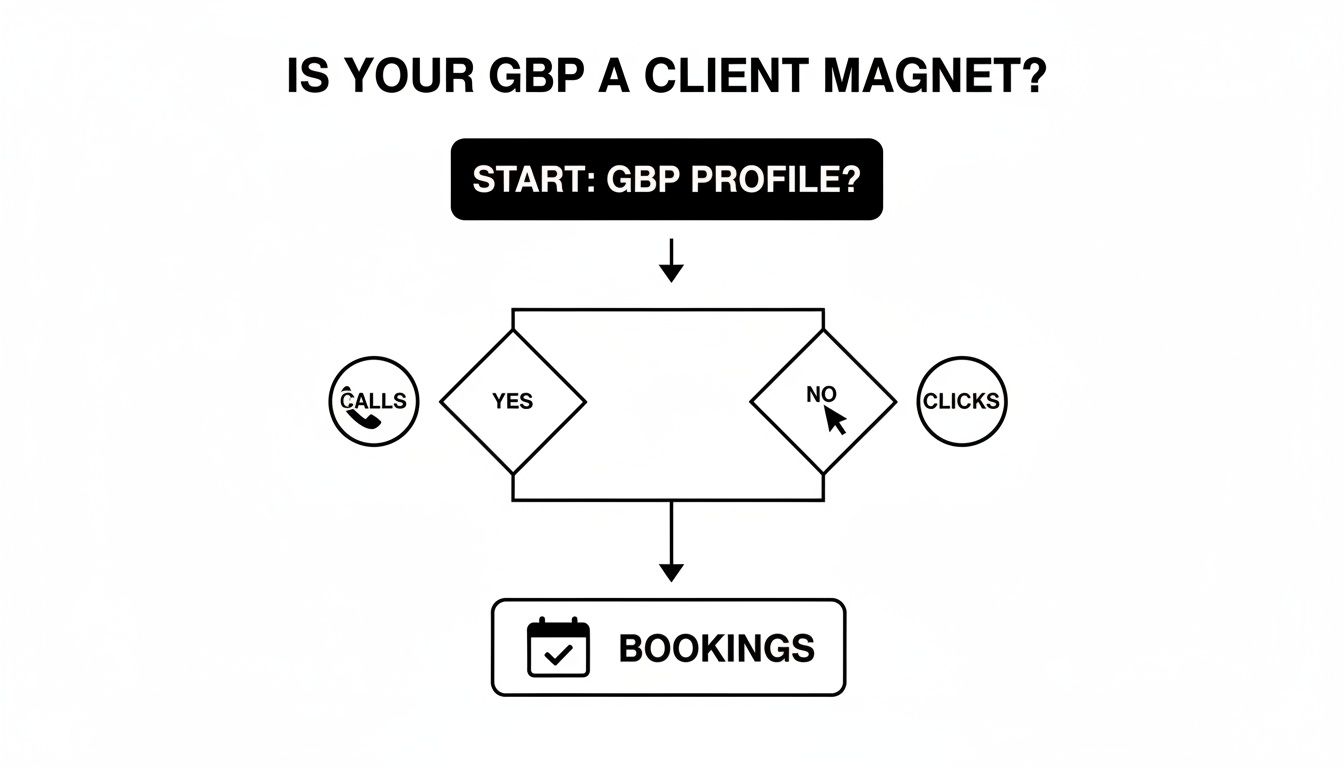
As you can see, a complete profile isn't the finish line—it's the engine. It's what drives real-world actions like phone calls and website clicks that lead directly to new bookings. Nailing these foundational steps is how you build a profile that works for you, not the other way around.
Optimising Every Feature to Dominate Local Search
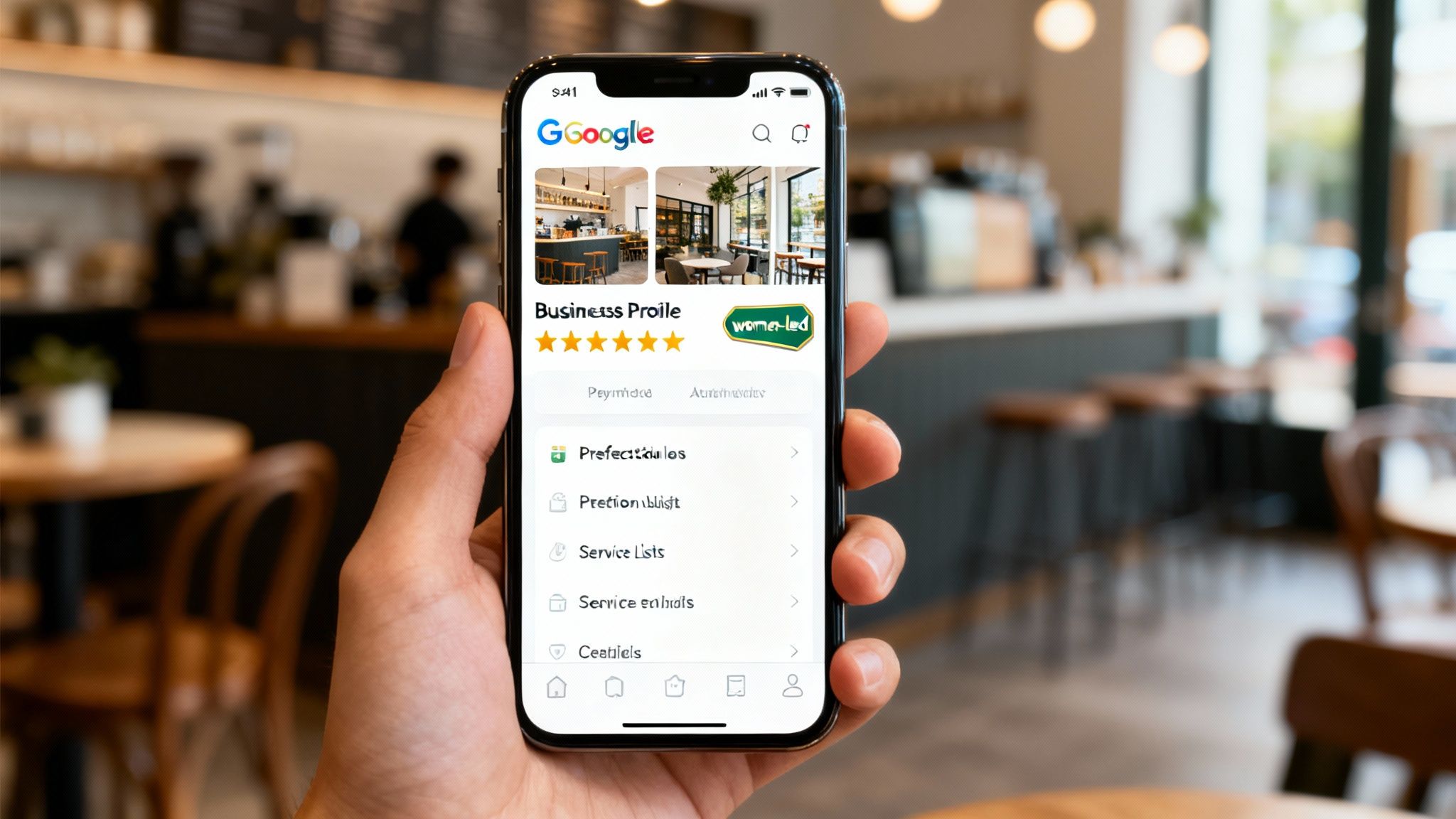
Getting your Google Business Profile verified is like being handed a key to the city. But optimising it is what actually turns that key, opening the door to a flood of local clients. A basic profile gets you on the map; a fully optimised one makes you the only logical choice for customers ready to buy.
This is where we go beyond the basics. It’s time to transform your listing from a simple directory entry into a powerful conversion machine by using every single tool Google gives you to build trust, show off your value, and climb to the top of local search results.
Crafting A Compelling Business Description
Think of your business description as your 750-character elevator pitch. This isn't the spot for stuffing in keywords or using dry corporate language. It's your first real chance to connect with a potential client and tell them why you're the best person for the job.
Focus on what makes you different. Do you have a unique guarantee? Are you a family-owned business with decades of skin in the game? Lead with what your ideal customer actually cares about.
A plumber, for instance, might write: "Tired of unreliable tradies? We're a family-owned Sydney plumbing service dedicated to on-time arrivals, transparent pricing, and quality workmanship. From blocked drains to hot water system installations, we leave every job spotless. Call us for a no-obligation quote." See how that speaks directly to common frustrations and offers immediate solutions?
Using Attributes To Stand Out
Attributes are specific tags that highlight key features of your business, and they are incredibly powerful for attracting the right clients. These can be anything from practical details to value-based identifiers that connect with specific demographics.
Go beyond the obvious. While "Online appointments" is handy, attributes like "Women-led" or "Veteran-led" can create a powerful, instant connection. For Aussie businesses, adding accessibility attributes or details about your health and safety measures can also build a huge amount of trust.
Don't just tick the easy boxes. Go through the full list of available attributes and select every single one that applies to your business. Each attribute is another signal that helps Google match you with a more qualified, high-intent searcher.
Showcasing Your Work With Photos And Videos
A picture is worth a thousand words—and in local search, it might be worth a thousand dollars. Customers want to see proof of your work. High-quality photos and short videos build immense trust and set you miles apart from competitors using generic stock images or, worse, nothing at all.
Your visual strategy should include:
- Team Photos: Show the real people behind the business. It humanises your brand and makes you more approachable.
- "Before and After" Shots: This is pure gold for any service business. It provides tangible proof of the transformation you deliver.
- Your Branded Vehicle/Equipment: This reinforces your professionalism and shows clients you're a legitimate, well-equipped operation.
- Short Videos (30 seconds or less): A quick video of your team on the job or a simple explanation of a common service can seriously boost engagement.
Leveraging Google Posts For Timely Engagement
Think of Google Posts as free, hyper-local ads that appear directly on your profile. They’re perfect for sharing updates, promoting special offers, or highlighting a recent project. Most posts expire after seven days, so posting at least once a week signals to Google that your business is active and relevant.
Always use the "Learn More" button to link directly to a relevant page on your website, like a blog post or service page. It's a fantastic way to drive qualified traffic and give your website's SEO a nudge. To really get the most out of your profile, check out this expert guide on optimizing your Google Business Profile.
Proactively Managing The Q&A Section
The Questions & Answers section is a goldmine that’s often overlooked. Customers can ask questions publicly on your profile, and anyone can answer them. If you’re not paying attention, you risk having an inaccurate or unhelpful answer become the default.
The best strategy here is to get on the front foot. Seed your own Q&A section by asking and answering the most common questions you get from customers.
Example Q&A Seeding:
- Q: "Do you offer free quotes?"
- A: "Absolutely! We provide free, no-obligation quotes for all our services. Just give us a call or fill out the form on our website to schedule one."
- Q: "What areas do you service?"
- A: "We proudly serve the entire Sydney metro area, from the Northern Beaches to Sutherland Shire. You can see a full list of our service suburbs on our website."
By doing this, you provide immediate value to potential clients and position yourself as the expert. For a deeper dive, our comprehensive guide on the business google profile covers everything you need to know about turning your Google Business Profile into a lead generation machine.
Managing Your Reputation With Reviews And Messaging
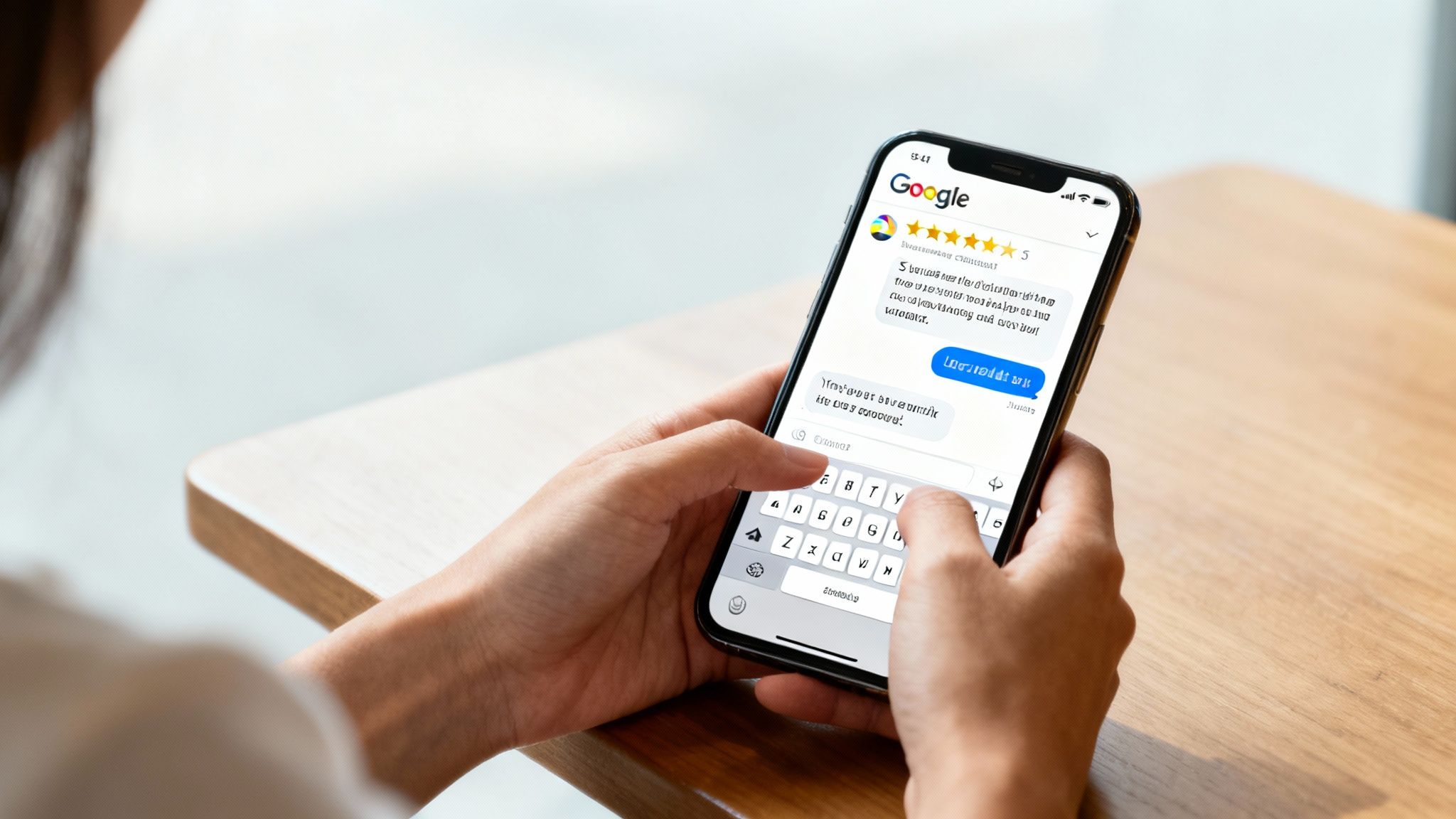
Think of your online reputation as the currency of trust. Your business Google Profile is where you bank it. A well-optimised profile gets eyes on your business, but it's your reviews and how you handle customer interactions that seal the deal. This is more than just collecting five-star ratings; it's about actively shaping the conversation around your brand.
Your two biggest assets here are Google Reviews and the direct messaging feature. Get these right, and your profile transforms from a simple listing into a powerhouse of client engagement and social proof.
Cultivating A Profile Full Of Positive Reviews
Positive reviews are gold. They're the modern-day word-of-mouth referral, building instant credibility and giving your local search ranking a serious boost. But you can't just sit back and hope they roll in. You need a system.
The trick is making it ridiculously easy for happy customers to leave feedback. The perfect time to ask is right after you’ve wrapped up a job and your client is singing your praises.
Here's a simple, non-pushy way to do it:
- Get Your Direct Review Link: Google gives you a short URL that takes people straight to the review form. No searching, no clicking around. It removes all the friction.
- Personalise Your Request: Fire off a quick follow-up email or SMS. Thank them for their business, drop in the direct link, and say something like, "If you have a moment, we'd be grateful if you could share your experience with a quick review."
- Set the Expectation: Just mentioning it "only takes a minute" can make a huge difference to your response rate.
Having a consistent process for this is key. For a deeper dive, our guide on how to get more Google reviews has actionable templates you can start using today.
Responding To Every Review The Right Way
How you reply to reviews is just as important as getting them in the first place. Potential customers are always watching, and your responses are a live demonstration of your customer service. The golden rule? Respond to every single review, good or bad.
For the glowing reviews, a simple, personal thank you goes a long way. Mentioning the specific job shows you’re paying attention. "Thanks, Sarah! So glad we could sort out your hot water system replacement. We really appreciate your business!"
Negative reviews are stressful, no doubt. But they're also a golden opportunity to show you’re committed to getting it right.
A thoughtful, professional response to a bad review can win you more future customers than a dozen five-star ratings. It proves you listen, you care, and you’re prepared to make things right.
When a tough review lands, don't panic. Just follow this framework:
- Acknowledge and Thank: Start by thanking them for their feedback, even when it's hard to hear.
- Apologise and Empathise: Show you understand their frustration. A simple "We're sorry to hear you were disappointed with the experience" can immediately de-escalate things.
- Take it Offline: Offer a direct phone number or email to sort the issue out privately. This shows you’re taking action without having a public back-and-forth.
It pays to get comfortable with this process. You can explore proven strategies for responding to negative feedback to turn these challenges into chances to strengthen your reputation.
Turning Direct Messages Into Paying Clients
Google's messaging feature lets potential customers chat with you right from your profile. These aren't just casual enquiries; they're high-intent leads, and your response time is everything. When you switch on messaging, Google even shows users your average response time, setting an expectation before they even type.
Treat these messages like hot leads, because that's what they are. A slow reply could send a customer straight to your competitor.
Set up an automated welcome message to acknowledge their message instantly. It can be as simple as, "Thanks for getting in touch! We've received your message and one of our team will get back to you within the hour." This little automation buys you time and reassures the customer they've been heard, setting a professional tone from the get-go.
Turning Profile Insights Into Business Intelligence
You can't improve what you don't measure. Your business google profile is more than just a digital signpost—it’s a goldmine of data telling you exactly how customers find and interact with you. By jumping into the performance dashboard, you can stop guessing and start making data-driven decisions that lead directly to more calls and clients.
Think of it as the control panel for your local marketing. It shows you what people are actually doing, turning raw numbers into real business intelligence. This isn't about chasing vanity metrics; it's about understanding the specific actions that drive results for your service business here in Australia.
Decoding The Metrics That Actually Matter
When you open your performance report, it’s easy to get lost in the numbers. For a service business, though, only a handful of metrics truly tell the story. These are the clicks that turn into a conversation or a booking.
Focus your attention on these three core interactions:
- Calls: This is the ultimate high-intent action. Someone has seen your profile, decided you’re a good fit, and wants to talk now. Tracking calls is a direct measure of lead generation.
- Website Clicks: This shows how many people were curious enough to want more information. They're actively researching you, making them warm leads who are already considering your services.
- Directions Requests: If you have a showroom, office, or workshop clients can visit, this is a powerful indicator. It means someone is planning to see you in person, moving them much further down the sales funnel.
By keeping an eye on these KPIs, you can directly link your optimisation efforts with tangible business growth. See an increase in calls after uploading new project photos? That's a clear win.
Uncovering How Customers Find You
One of the most valuable parts of the dashboard is the "Queries" section. This report shows you the exact search terms people typed into Google to find your profile. It's pure gold for understanding your customers' mindset and refining your SEO strategy.
Are people finding you through branded searches (like "Homer Digital Marketing")? Or are they using non-branded, service-based queries (like "marketing consultant in Melbourne")?
The search queries report is your direct line into the customer's mind. It reveals the language they use to describe their problems, giving you invaluable clues for your website copy, Google Posts, and service descriptions.
A plumber, for instance, might discover that while they rank for "plumber," they get a surprising number of clicks from "emergency hot water repair." That insight tells them to create more content—like Google Posts or website pages—specifically targeting that urgent, high-value service. It allows you to double down on what’s already working.
Analysing Performance Trends Over Time
Your performance data isn't a one-off snapshot. By changing the date range—looking at performance over the last month, quarter, or even year—you can spot powerful trends and patterns. This helps you understand the bigger picture of your local search visibility.
Did you see a spike in profile views after consistently publishing weekly Google Posts? Did website clicks drop off during a month you forgot to add new photos?
Analysing these trends helps you connect your actions to outcomes. It proves the value of your efforts and helps you build a repeatable system for attracting clients. If you notice a seasonal dip in enquiries every winter, you can proactively plan a "Winter Special" offer and promote it with Google Posts to smooth out your lead flow. This data-driven approach removes the guesswork, allowing you to continuously refine your strategy for maximum impact.
Frequently Asked Questions About Your Business Google Profile
Even with a perfectly polished profile, questions will pop up. It's just part of the game. Here are some quick, no-fluff answers to the problems that trip up most Aussie service business owners.
Help! My Profile Was Just Suspended. What Now?
Seeing that suspension notice is enough to make your heart sink, but don't panic. It's almost always fixable. The first rule is: don't touch anything. Just breathe and carefully read through Google's guidelines to figure out what went wrong.
The most common culprits I see are:
- Keyword Stuffing: Jamming your business name with extra words like "Bob's Plumbing Best Plumber Sydney." Google hates this.
- Dodgy Addresses: Using a P.O. Box, a virtual office, or any address where you don't actually meet clients face-to-face. It has to be a real, physical location.
- Duplicate Profiles: Accidentally (or intentionally) creating more than one listing for the same business.
Once you’ve pinpointed the problem and cleaned it up, you can submit a reinstatement request. Be prepared to provide proof, like photos of your permanent signage or official business registration documents. This process can take a few days or even a couple of weeks, so patience is key here.
How Often Do I Really Need to Post on Google?
Simple answer: at least once a week. If you want to get the most out of your profile, consistency is everything. It sends a strong signal to Google that your business is active, open, and relevant. A profile that hasn't been touched in months looks abandoned, not just to Google, but to your potential customers, too.
Mix it up to keep things interesting. Use 'Offer' posts for special deals, 'Update' posts to share news or a link to your latest blog, and 'Event' posts if you're running a workshop. Most posts drop out of the prime spots after seven days, so a weekly rhythm keeps your profile looking fresh and on the ball.
Can I Just Delete a Bad Review?
Not really, unless it blatantly violates Google's content policies. We're talking about things like spam, fake reviews from competitors, hate speech, or rants that have nothing to do with your business. If a review clearly crosses a line, you should absolutely flag it for Google to take a look.
But honestly, the best defence isn't trying to delete bad reviews—it's how you respond to them. A calm, professional, and public reply can completely turn the situation around.
Responding shows everyone else that you're on top of your game, you value customer feedback, and you're committed to making things right. It builds way more trust than a squeaky-clean profile of nothing but five-star reviews, which can sometimes look a bit suspicious. Acknowledge their issue, apologise if you need to, and offer to take the conversation offline to sort it out.
Keeping your online presence sharp is non-negotiable if you want to attract the right kind of clients. If you're tired of guessing and want to turn your digital marketing into a reliable lead-generation machine, Homer Digital Marketing is here to help. We build proven strategies that deliver real, measurable results for service businesses across Australia.
